OpenCart Development Partner
- Professional support of the author
- Lifetime license
- The license key is provided automatically
- Free license key for test domain
- Extensions can be modified
- Periodic module updates
- Free technical support
 OpenCart Development Partner
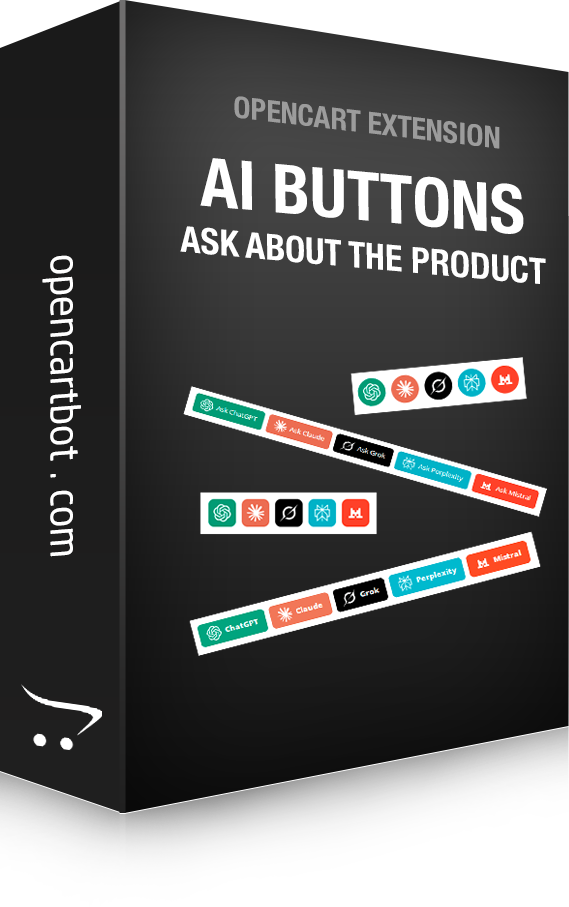
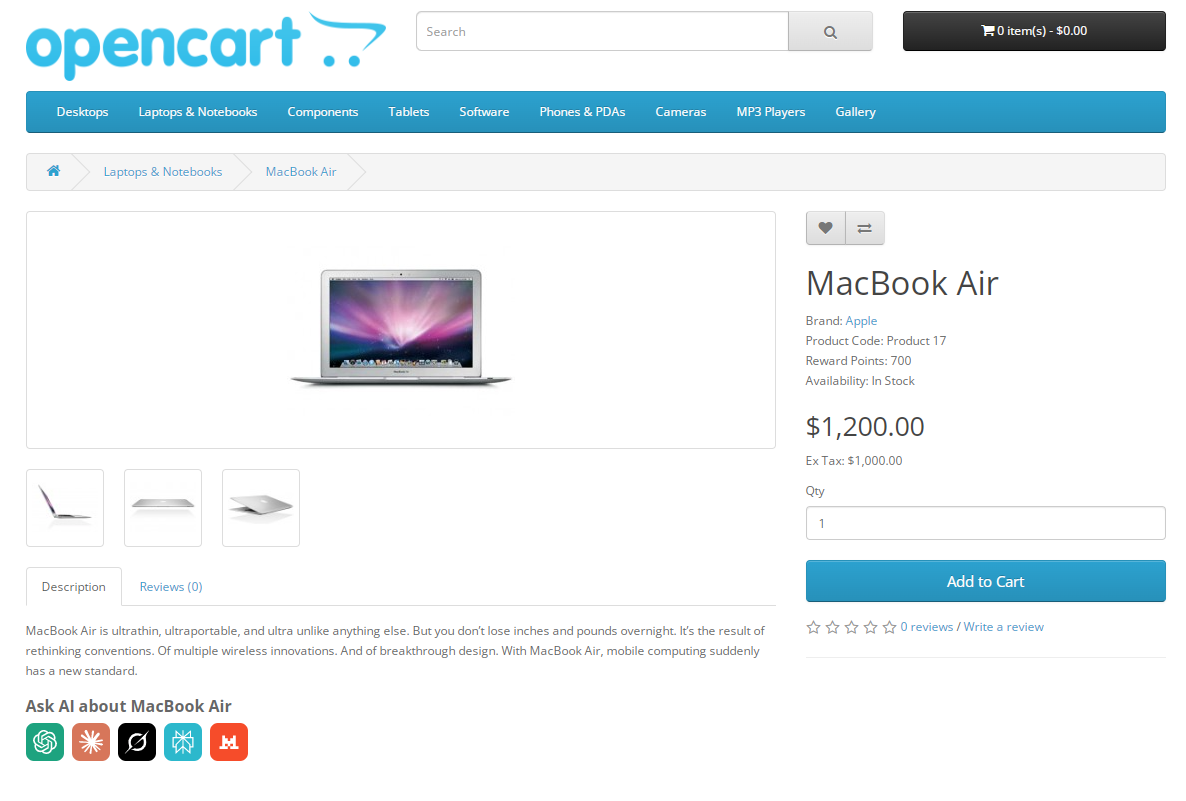
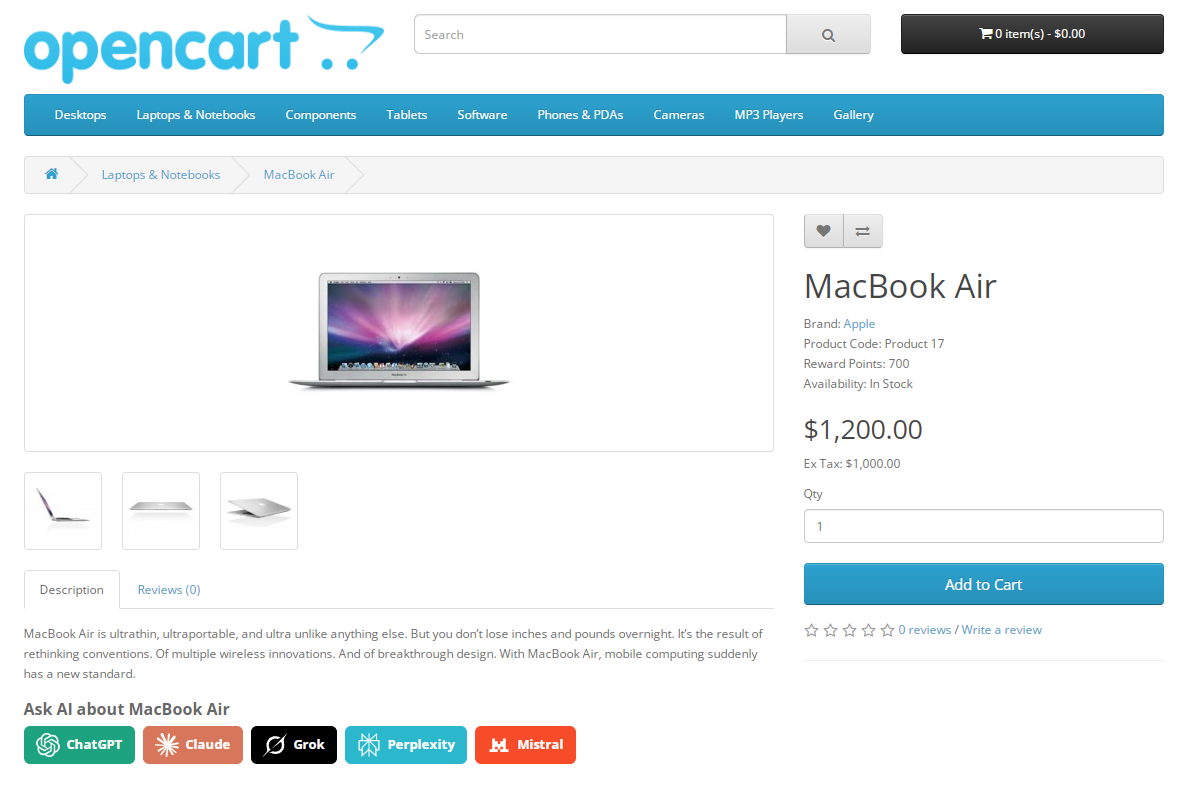
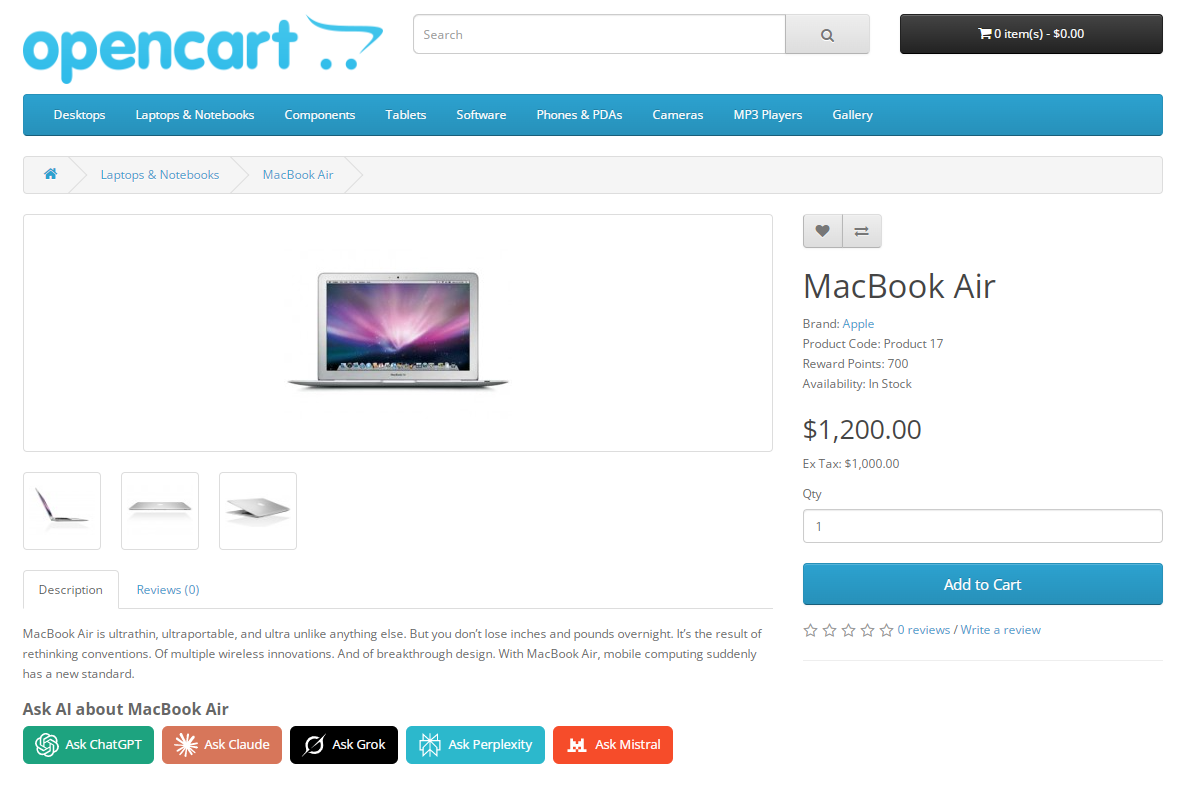
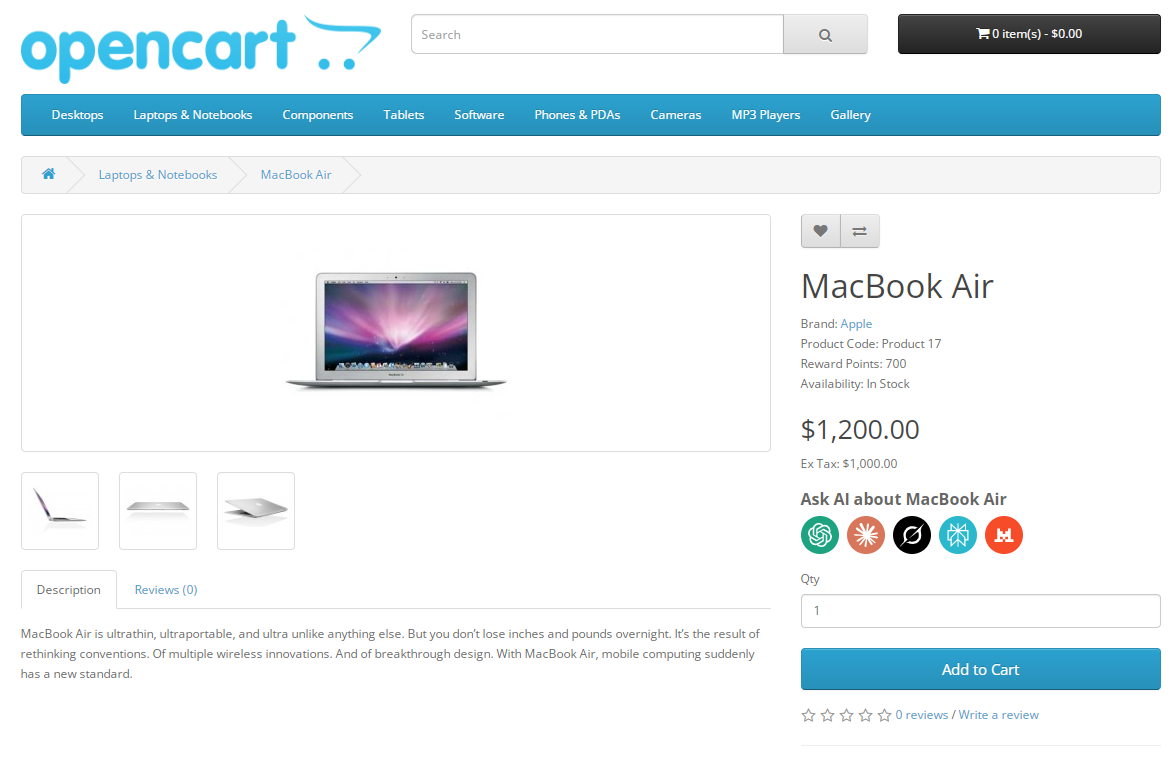
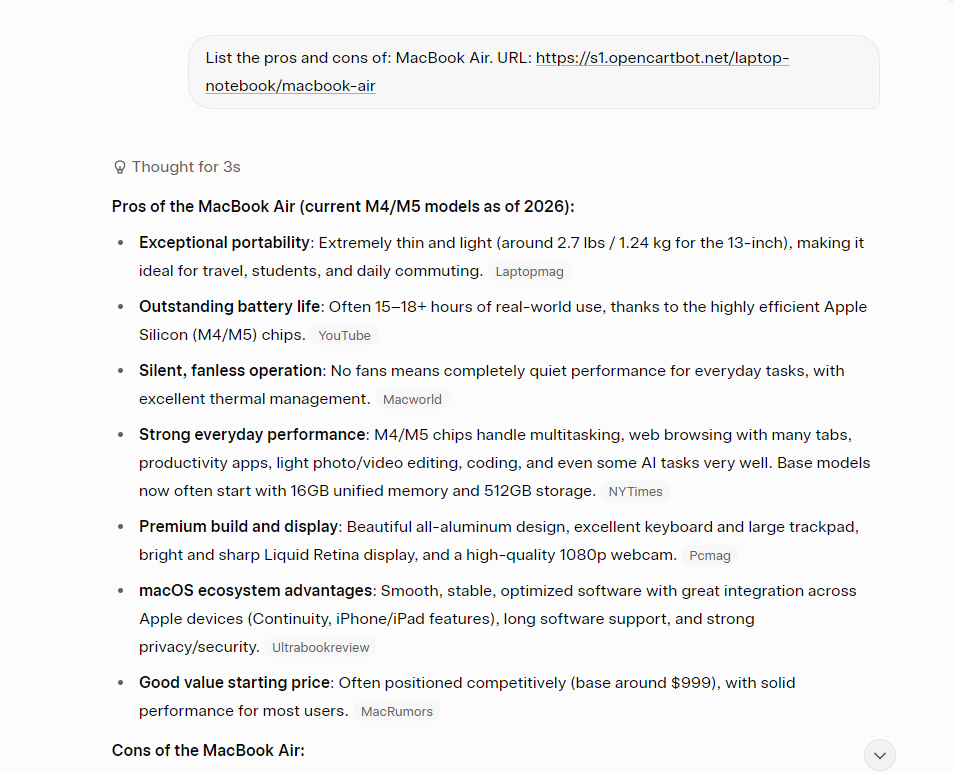
The module adds a block of buttons to product pages for instantly opening popular AI services with a pre-filled prompt. A visitor clicks a button — and ChatGPT, Claude, Grok, Perplexity or Mistral immediately receives a request with the product name, price, brand and other details from your store. No manual copying.
DEMO AdminDEMO Live
The idea is simple: shoppers increasingly turn to AI before making a purchase — asking about specs, requesting comparisons, looking for reviews. The module makes this convenient right on the product page, keeping the buyer engaged and helping them make a decision.
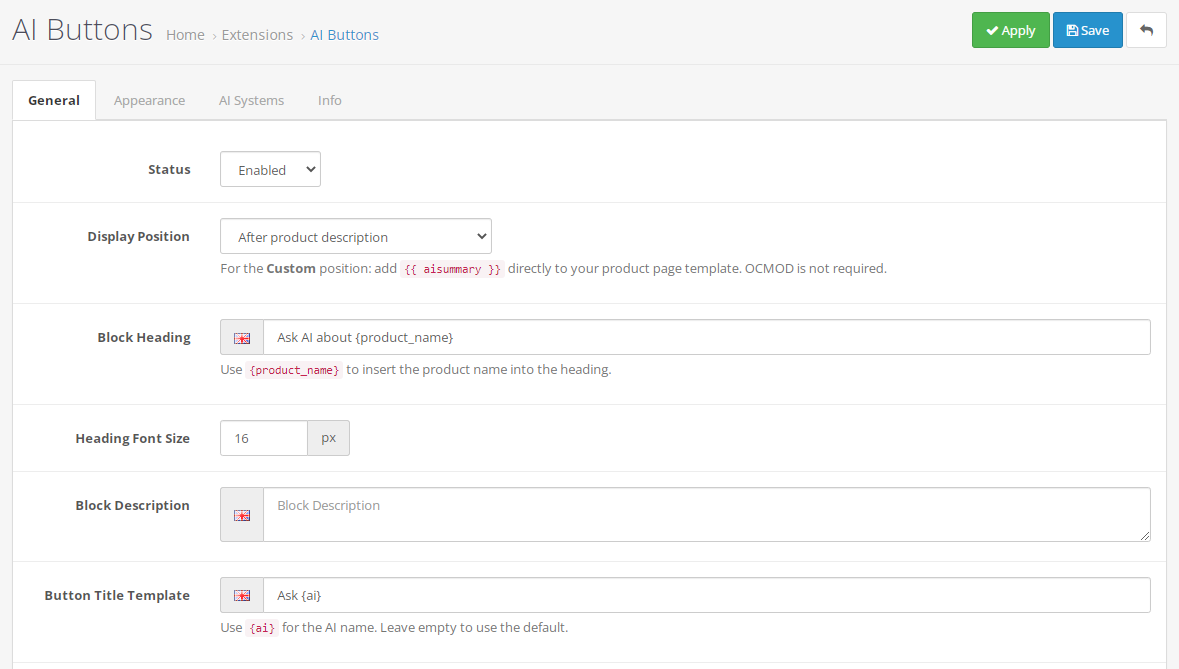
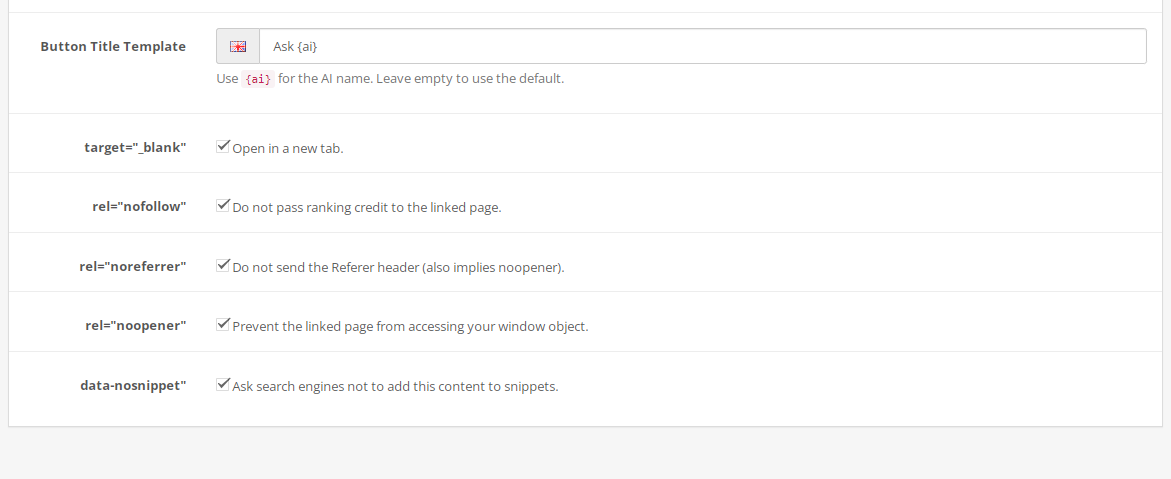
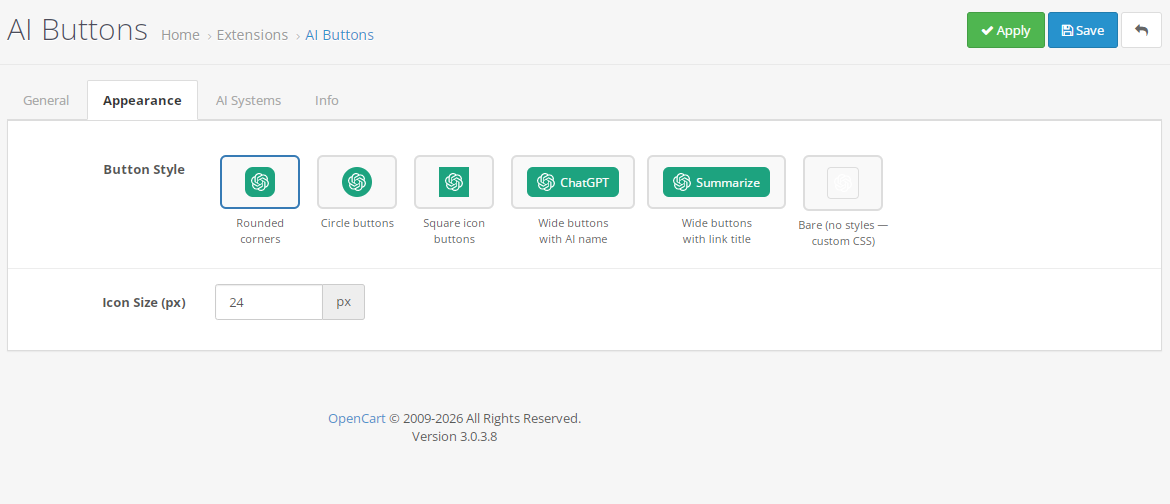
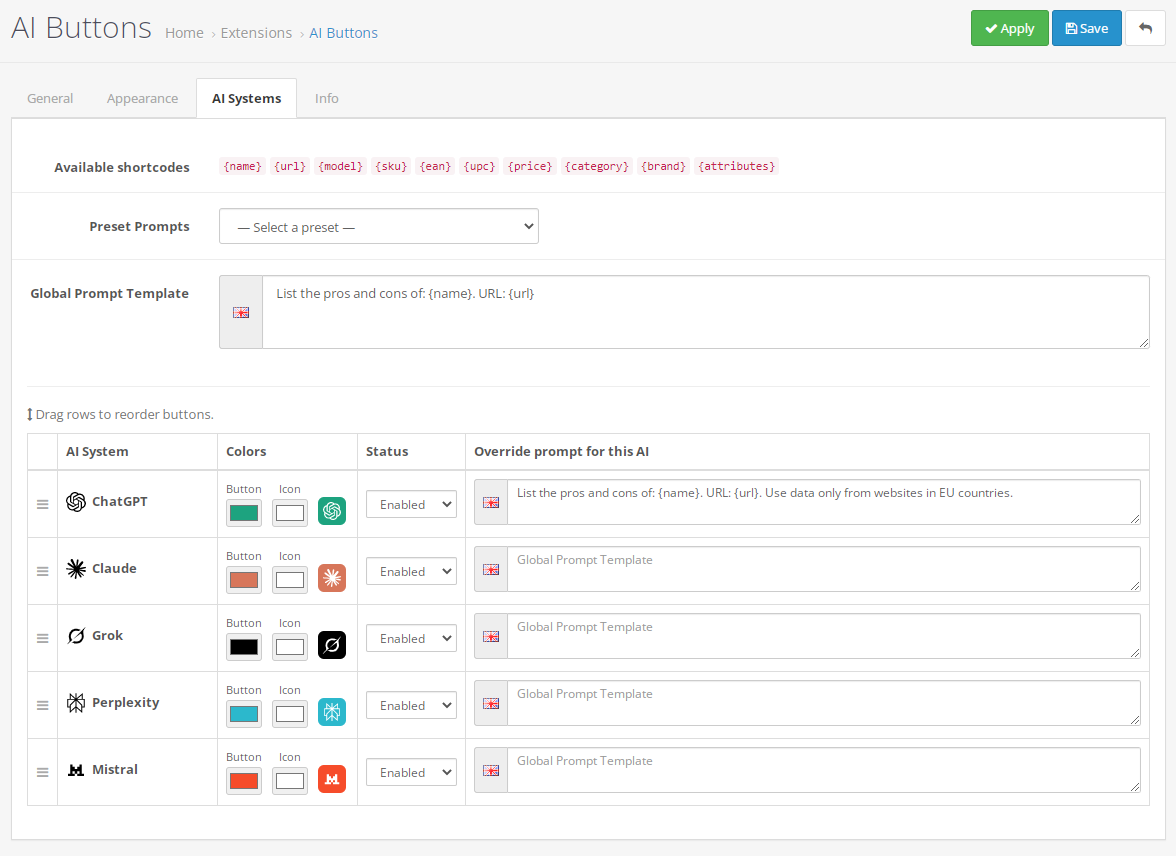
{name}, {brand}, {price}, {category}, {model}, {sku}, {ean}, {upc}, {url}, {attributes}title attribute template for links with {ai} substitution{product_name} in the block headingtarget="_blank", rel="nofollow", rel="noreferrer", rel="noopener", data-nosnippet — each toggled individually with a short explanation{{ aisummary }} in the theme templateSettings are organized into three tabs. General — status, block position, heading, description, link title template and link options. Appearance — button style and icon size. AI Systems — the global prompt and a sortable table where each service has its own status, button and icon colors, and an optional prompt override.
If no individual prompt is set for an AI, the global one is used. If no prompt is available at all, the button is not rendered. Product data not referenced in any active prompt is not queried from the database.
Built for OpenCart, uses OCMOD to place the block on product pages without editing any files. CSS is loaded only on product pages and only when the module is enabled. AI icons are SVG and bundled with the module. Settings are stored via the standard oc_setting mechanism.
Extension installation instructions:
| Vasyl Lys | 01 June 2026 |
Модуль чудовий. Клієнти інтернет-магазину Сафарі-Україна задоволені і працівники магазину користуються модулем залюбки. Полегшує життя менеджерам, навантаження з питаннями про товар на емейл чи по телефону знизилось. Рекомендую. | |
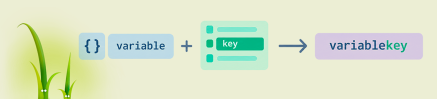
How to build a variable name or array key in Twig: attribute(context, 'var'~id), square brackets, the .() operator from Twig 3.15, interpolation, and OpenCart compatibility.

An analysis of OpenCart 4.2.x.x development plans: the switch to jQuery 4.0.0, changes to `oc_product_code`, a 15–20 MB reduction in the distribution size, and the module adaptation process.

Daniel Kerr has announced the static OpenCart 5 and the opencart.js project. We analyze the advantages and limitations of this concept, as well as the development of PHP branches 3.0, 4.1, and 4.2.