OpenCart Development Partner
- Professional support of the author
- Lifetime license
- The license key is provided automatically
- Free license key for test domain
- Extensions can be modified
- Periodic module updates
- Free technical support
 OpenCart Development Partner
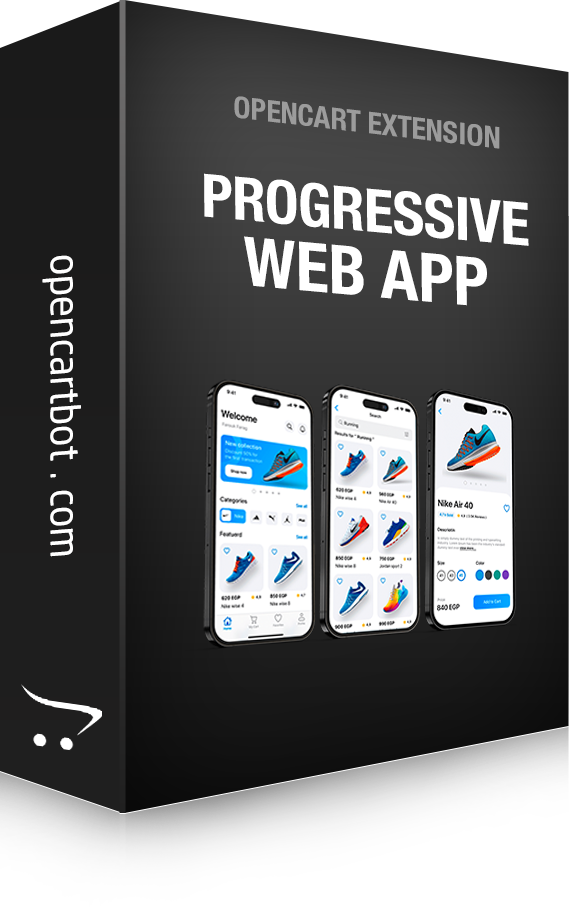
Transform your OpenCart store into a modern Progressive Web App (PWA) that customers can install on smartphones, tablets, and desktop computers without publishing it to the App Store or Google Play.
The module automatically generates a PWA manifest and adds all required settings to enable the standard installation prompt in modern browsers. Once a customer installs your website as an app, it launches as a standalone application with its own icon and without unnecessary browser interface elements.
Install the store on Android, iOS, Windows, and macOS
Automatic PWA Manifest generation
Service Worker support
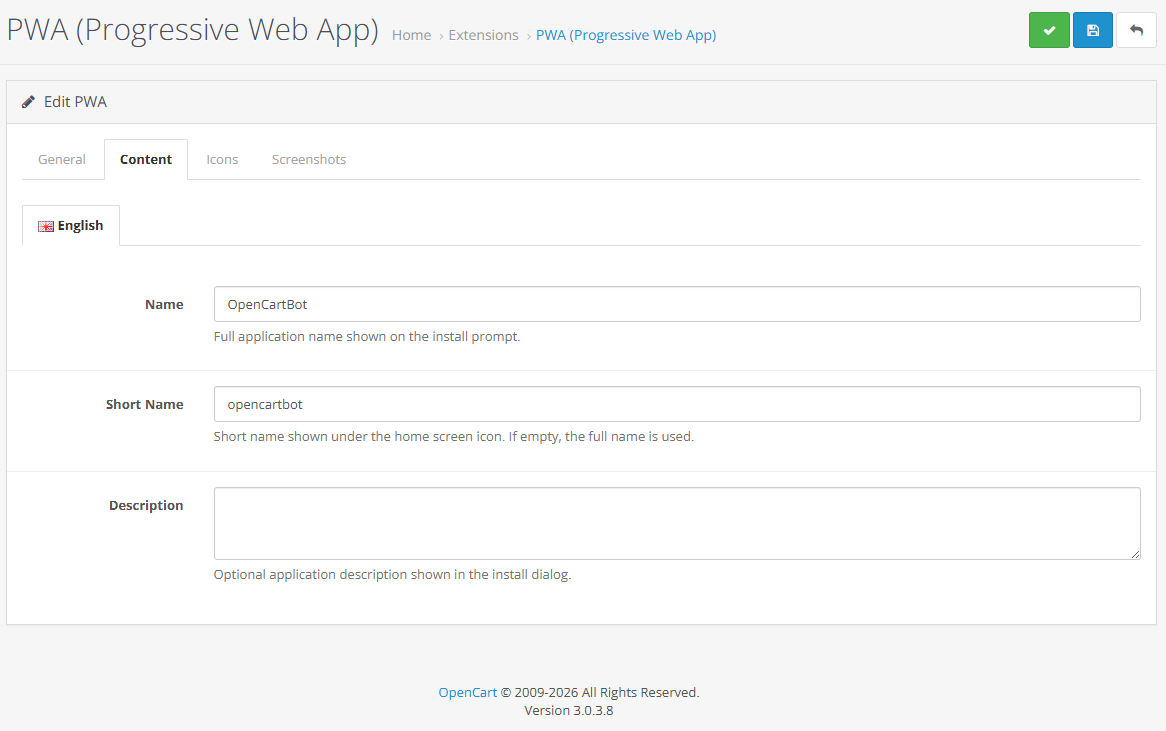
Configure the full and short application name
Configure the application description
Set theme color and background color
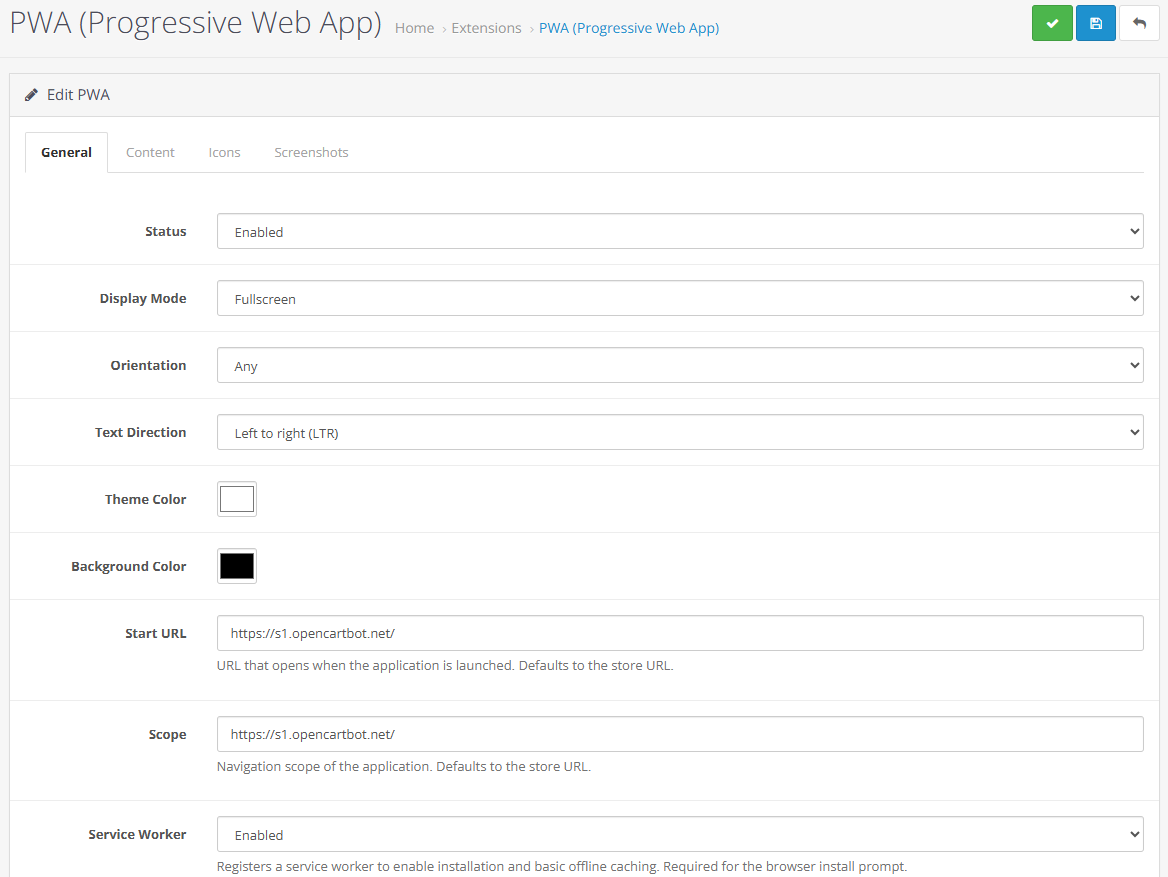
Support for multiple display modes:
Standalone
Fullscreen
Minimal UI
Browser
Screen orientation settings
Start URL configuration
Scope configuration
Text direction support (LTR / RTL)
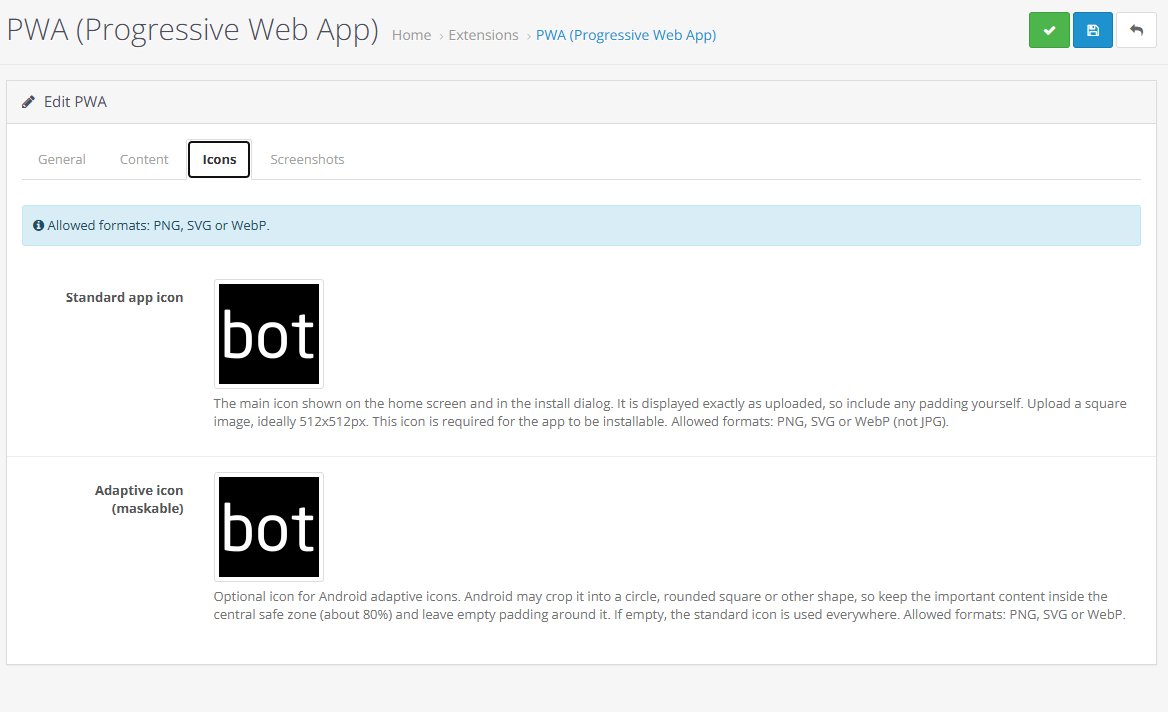
Dedicated Android adaptive icon support (Maskable Icon)
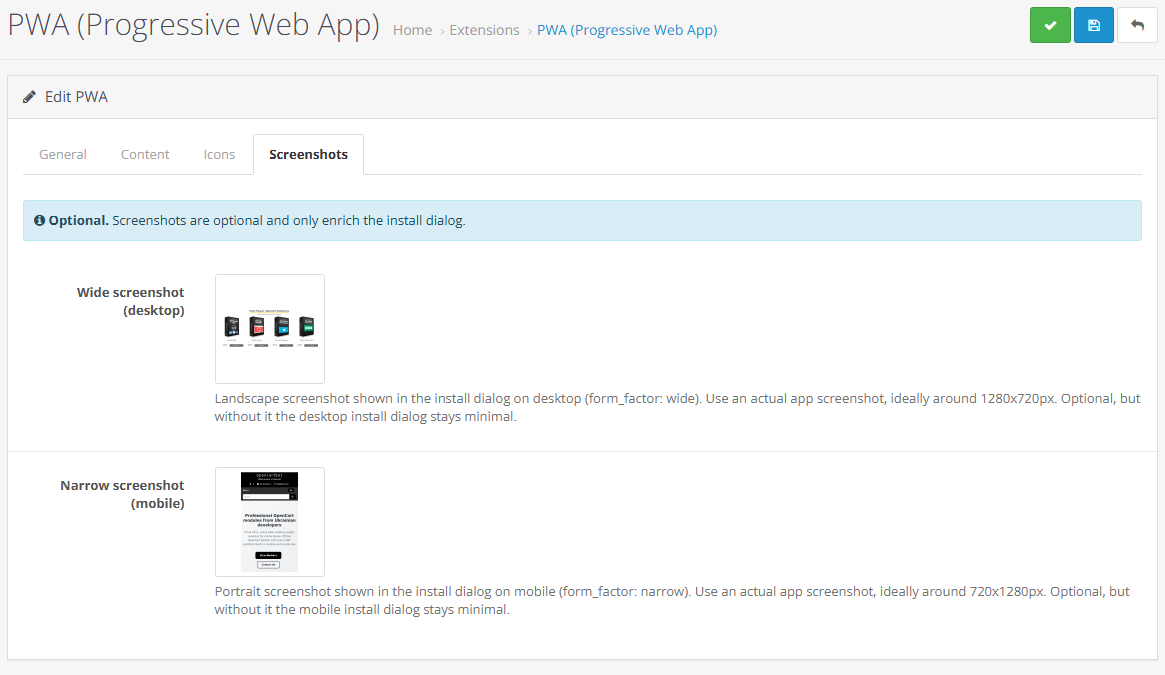
Installation dialog screenshots support
Easy management through the OpenCart admin panel
Multi-language website support
You should know that the installation prompt is initiated by the customer's browser itself. It is not possible to place a standard "Install App" button on your website and force the installation dialog to appear.
However, if your website is available over HTTPS and the PWA module is configured correctly, supported browsers will automatically offer customers the option to install your website as an app through a browser-generated popup.
This installation suggestion usually appears only after the customer has interacted with the website and not immediately upon their first visit.
The PWA module for OpenCart provides the proper foundation required for Progressive Web Apps based on your online store.
There are no reviews for this product.

How to build a variable name or array key in Twig: attribute(context, 'var'~id), square brackets, the .() operator from Twig 3.15, interpolation, and OpenCart compatibility.

An analysis of OpenCart 4.2.x.x development plans: the switch to jQuery 4.0.0, changes to `oc_product_code`, a 15–20 MB reduction in the distribution size, and the module adaptation process.

Daniel Kerr has announced the static OpenCart 5 and the opencart.js project. We analyze the advantages and limitations of this concept, as well as the development of PHP branches 3.0, 4.1, and 4.2.