Google Merchant API Integration for OpenCart

Merchant API Feed for OpenCart
  • Module version: 1.0.0
  • Last Update: 29 July 2026
  • Module format: ocmod.zip
  • Modification: yes
  • OpenCart: 3.x
  • OcStore: 3.x
  • PHP: 8.1+
  • License: Single Domain
  • Author: OpenCartBot
  • Support: yes
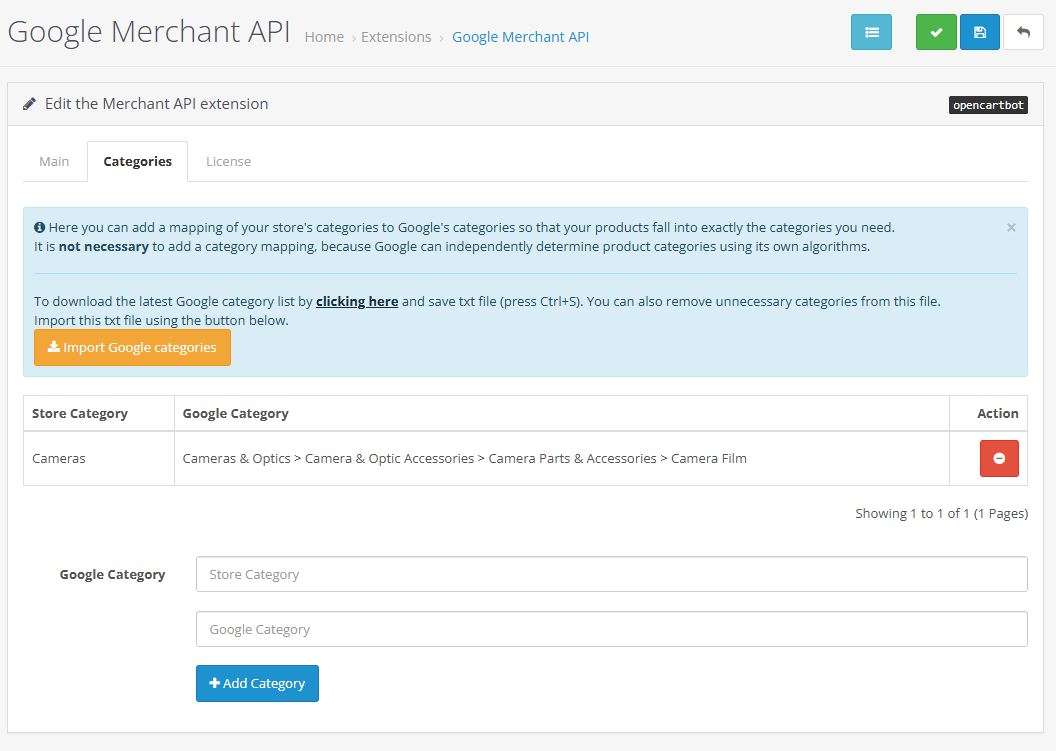
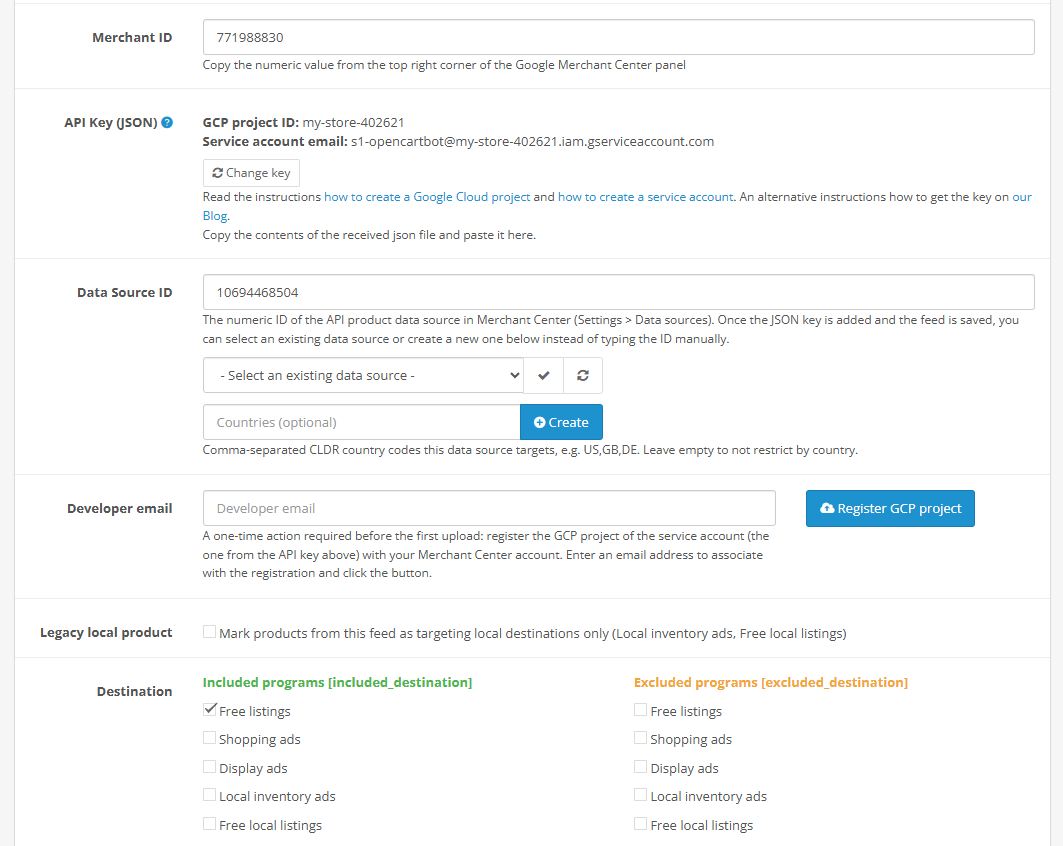
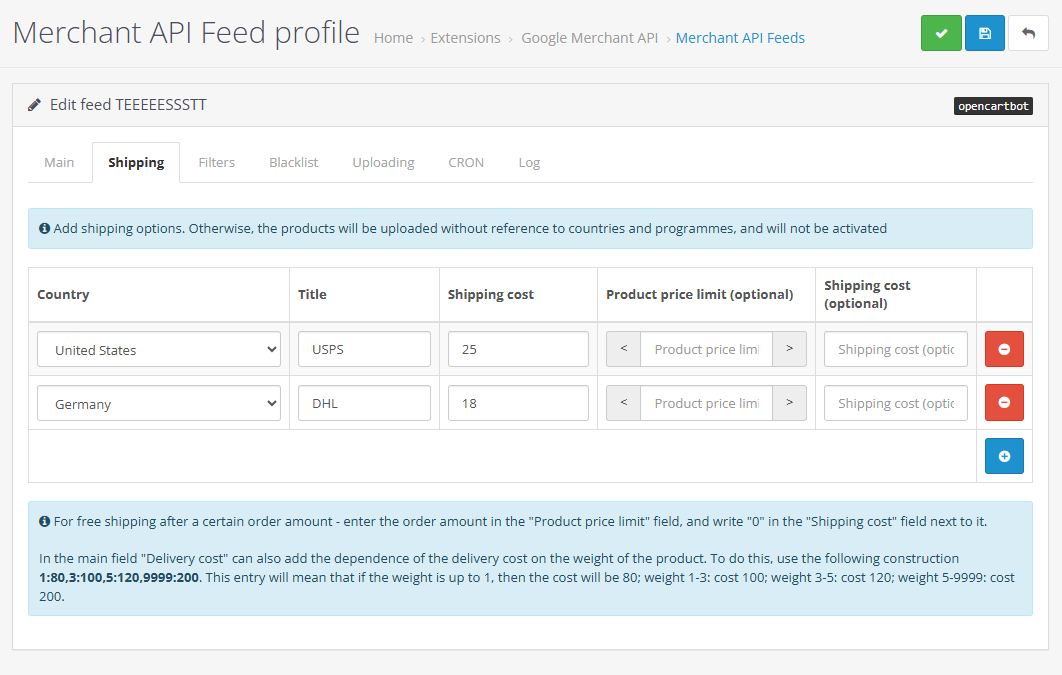
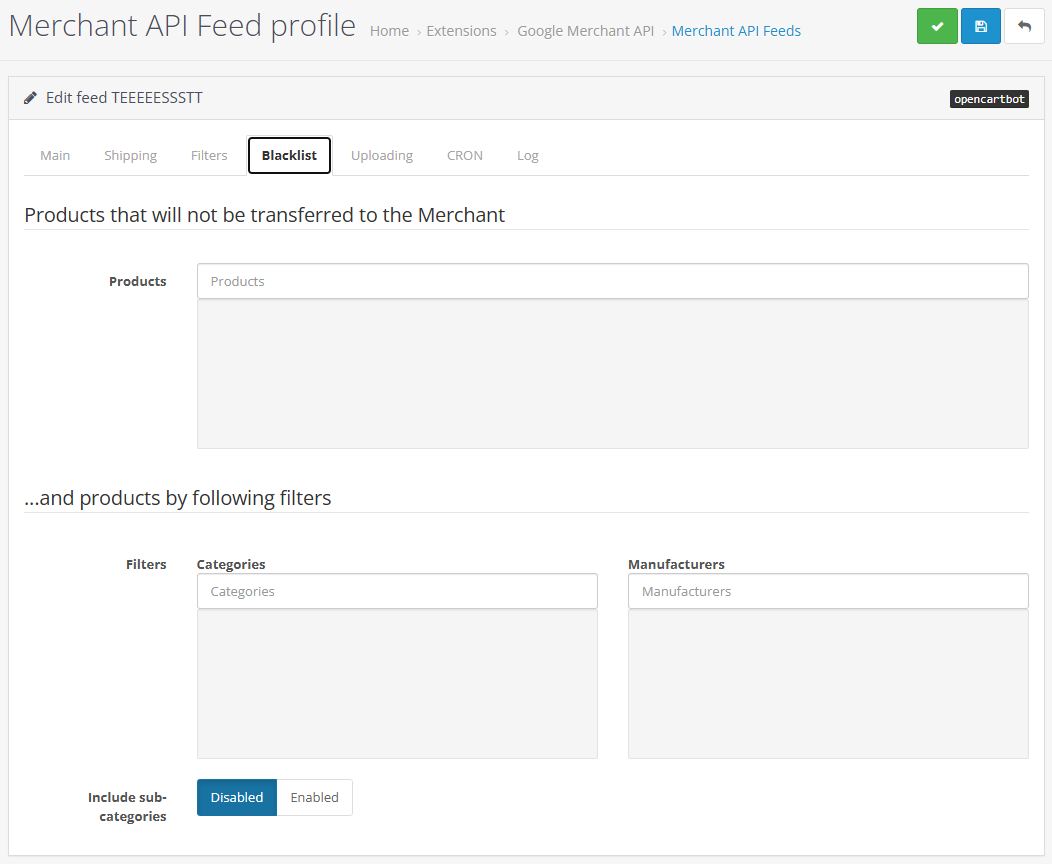
  • Merchant API Feed for OpenCart - Screenshot 1
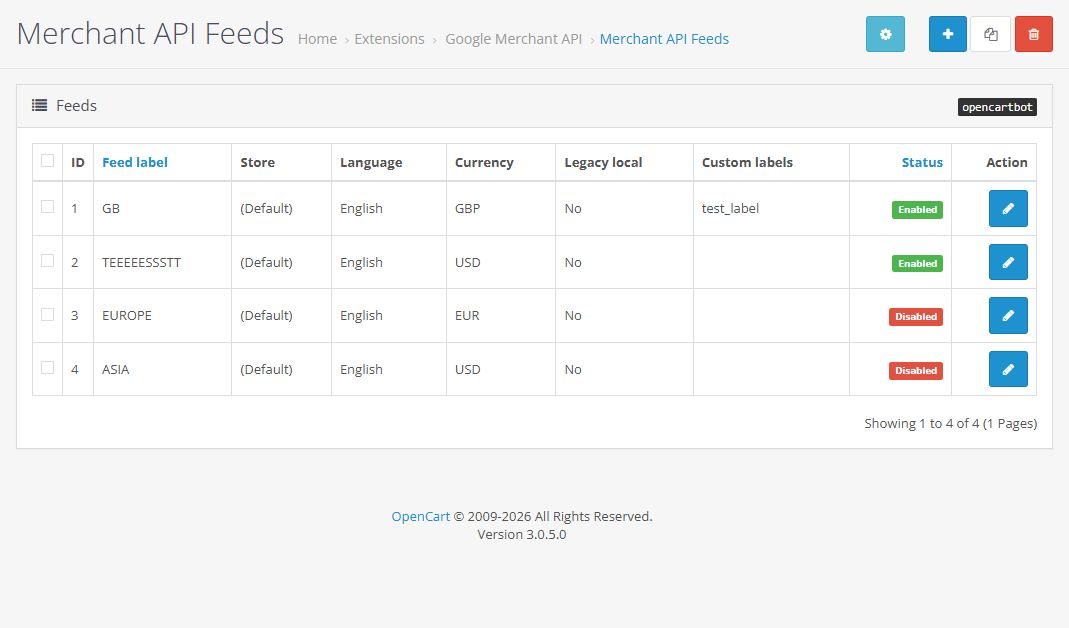
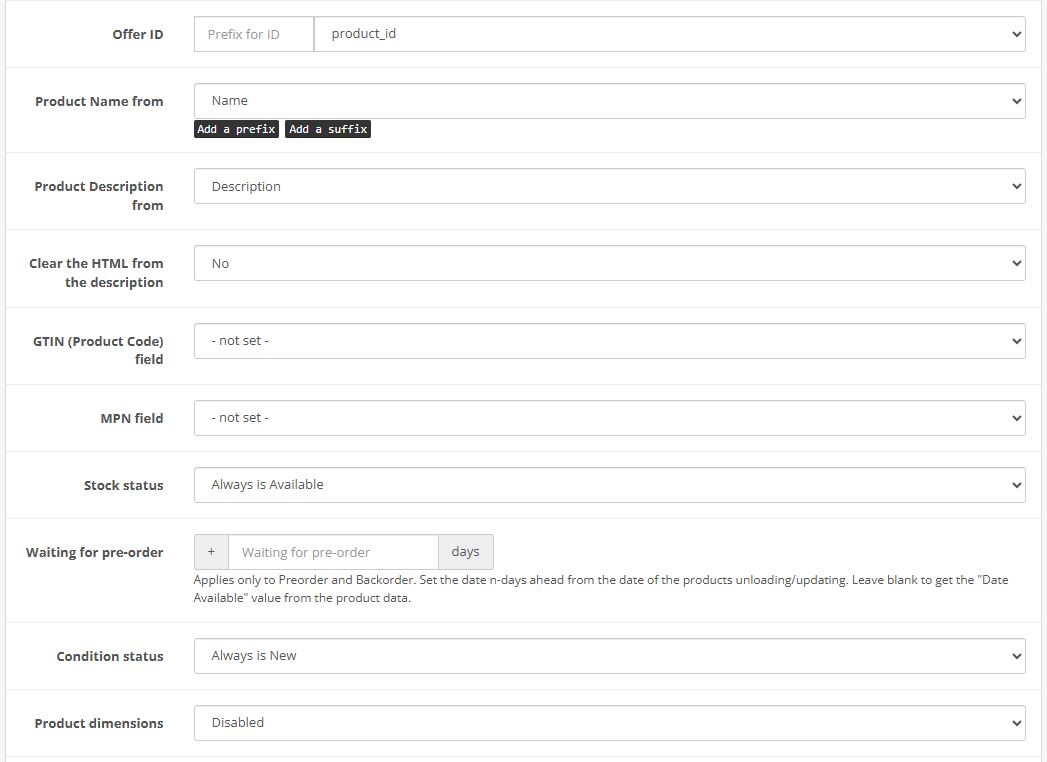
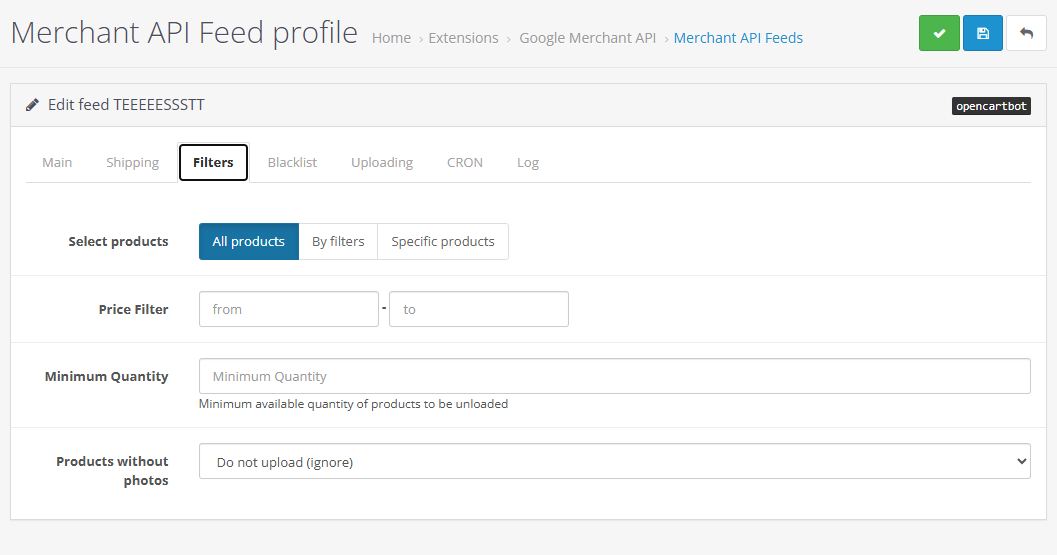
  • Merchant API Feed for OpenCart - Screenshot 2
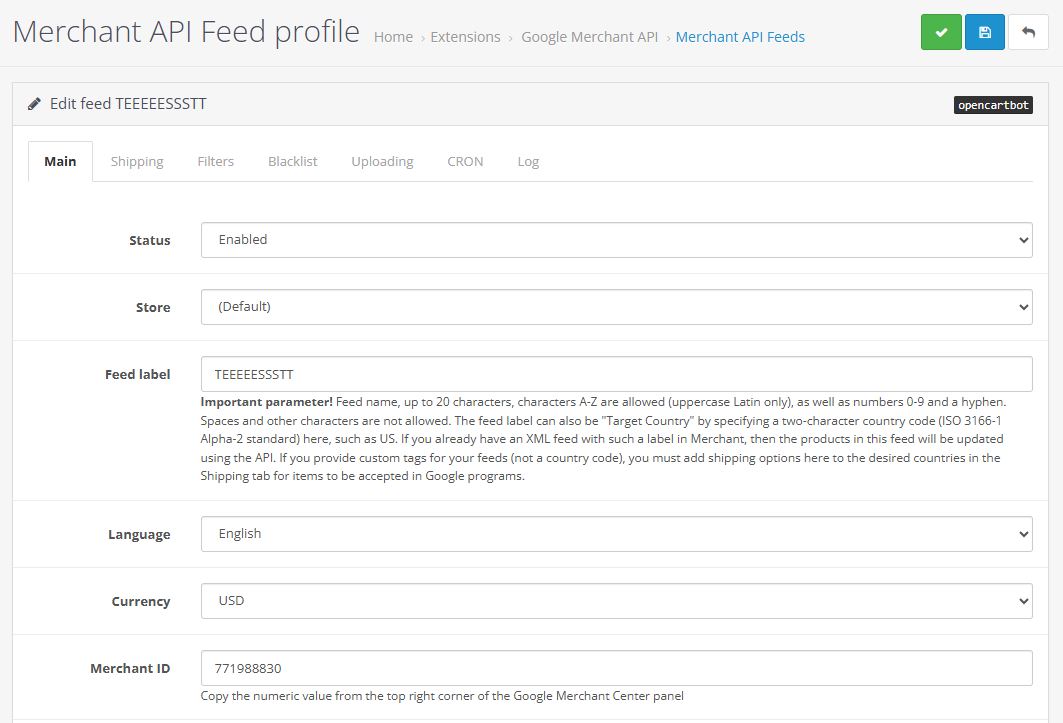
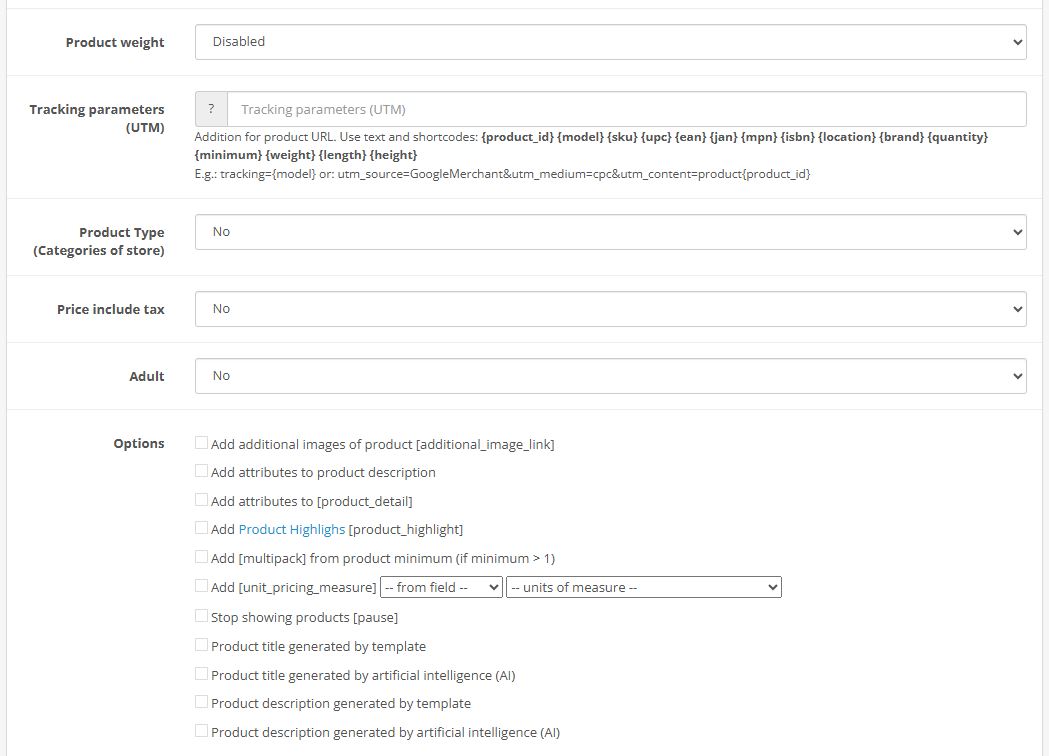
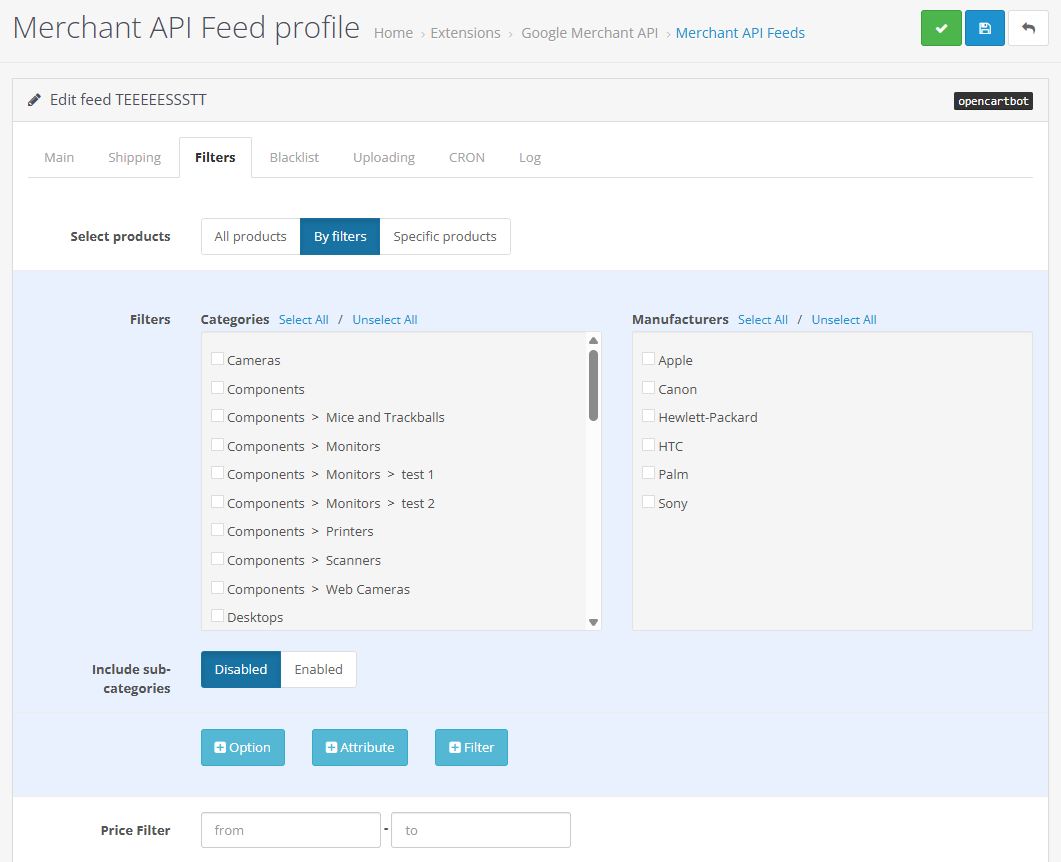
  • Merchant API Feed for OpenCart - Screenshot 3
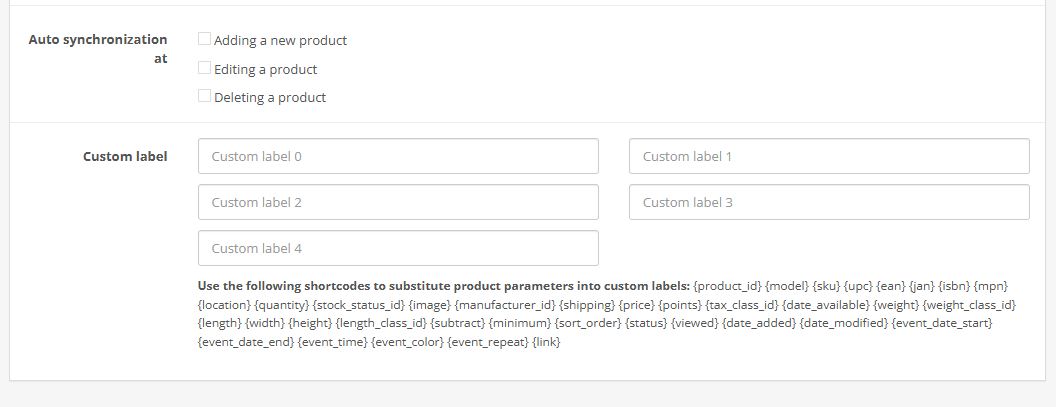
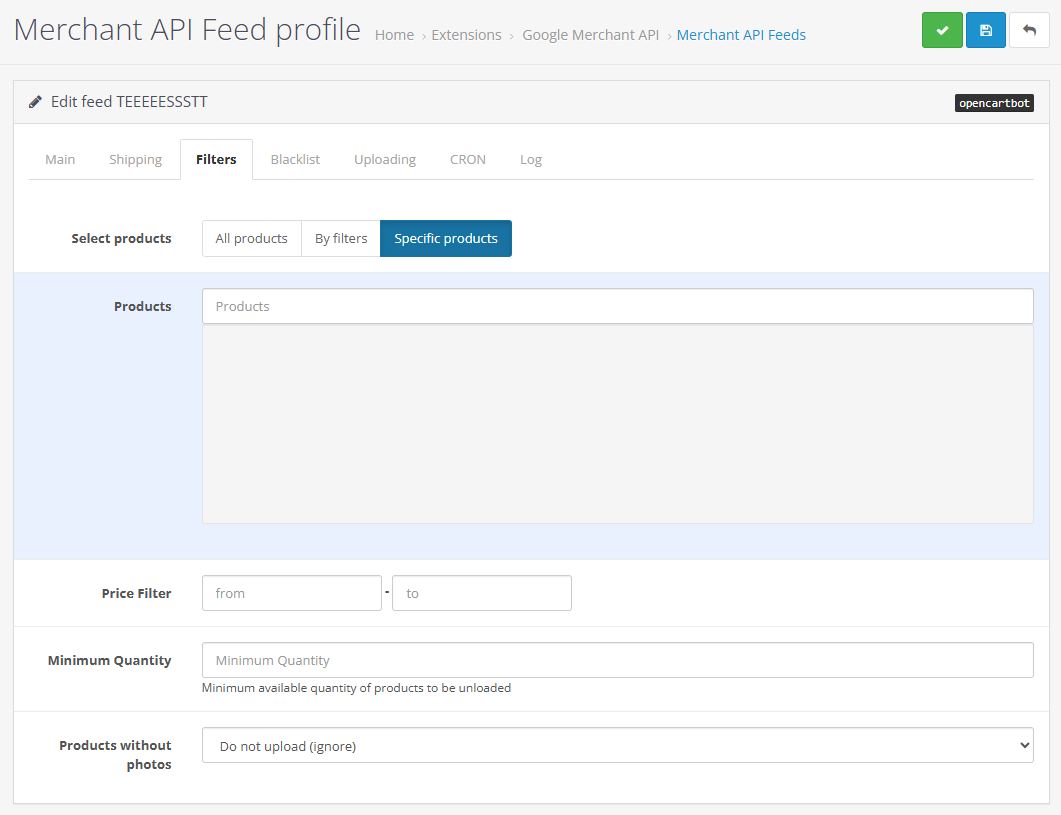
  • Merchant API Feed for OpenCart - Screenshot 4
  • Merchant API Feed for OpenCart - Screenshot 5
  • Merchant API Feed for OpenCart - Screenshot 6
  • Merchant API Feed for OpenCart - Screenshot 7
  • Merchant API Feed for OpenCart - Screenshot 8
  • Merchant API Feed for OpenCart - Screenshot 9
  • Merchant API Feed for OpenCart - Screenshot 10
  • Merchant API Feed for OpenCart - Screenshot 11
  • Merchant API Feed for OpenCart - Screenshot 12
  • Merchant API Feed for OpenCart - Screenshot 13
  • Merchant API Feed for OpenCart - Screenshot 14
  • Merchant API Feed for OpenCart - Screenshot 15
  • Merchant API Feed for OpenCart - Screenshot 16
🔓
Open Code The module code is not encrypted, without ionCube or obfuscation. You are free to view and modify the code.
$29.00
Domain for which the extension will be purchased
Available payment methods
Extension Compatibility
  • OpenCart: 3.0.0.0, 3.0.0.2, 3.0.1.0, 3.0.1.1, 3.0.1.2, 3.0.2.0, 3.0.3.0, 3.0.3.1, 3.0.3.2, 3.0.3.3, 3.0.3.4, 3.0.3.5, 3.0.3.6, 3.0.3.7, 3.0.3.8, 3.0.3.9, 3.0.4.0, 3.0.4.1, 3.0.5.0,
DeveloperOfficial OpenCart partnerOpenCart Development Partner
  •  Professional support of the author
  • Lifetime license
  • The license key is provided automatically
  •  Free license key for test domain
  • Extensions can be modified
  • Periodic module updates
  • Free technical support
OpenCart Integration with Google Merchant API

Module for integrating OpenCart with the new Merchant API v1. It provides continuous product uploads to Google Merchant Center and lets you build product feeds with different settings and filters — for separate advertising campaigns or for free listings of your products in Google Shopping.

DEMO Admin

What the module does: creates product channels that are pushed from your OpenCart store to Google via the API. On top of that, the module can update products in Google Merchant in real time when they are edited manually in OpenCart, or update them on a schedule (cron) — for cases when products or their data are refreshed from external sources through import or parsing.

Products from local stores can also be pushed (for local inventory listings).

The module runs only on PHP 8.1 and above. For now it is compatible only with OpenCart 3. If your system does not meet these requirements, we recommend a similar module — Merchant XML.

The module does not work with product options — it does not support products from categories such as Apparel and Footwear, where size, color, material, and gender attributes have to be sent.

The module lets you send items with the same offerIds you used in your previous modules, so product history and accumulated statistics in Merchant Center are preserved.

For users of our old Content API module there is a special discount — 70% off, provided the new module is purchased for the same domain. To claim this discount, contact us via Telegram, Viber, or email.


Extension installation instructions:

  1. Upload the module in the admin panel under "Extensions" → "Installer".
  2. Go to "Modifications" and refresh the cache.
  3. Go to "Dashboard" and refresh the template cache (OpenCart 3 only).
  4. Go to "Extensions" → "Extensions" → "Promotion Channels" and enable the Google Merchant API module.
  5. Edit the module. Enable the module status, configure the remaining options to fit your needs, and save the settings.
  6. Open the feed manager (the list button at the top, or the "Merchant API" item in the left-side menu) and add your first feed.
  7. To create a feed, you need to set up a project in Google Cloud Console, enable the "Merchant API" for that project, create a service account inside it, and download its JSON key. Paste this key into the feed profile settings in the module.
  8. Save your feed with the JSON API key entered and the fields above it filled in.
  9. Edit the feed again. In the "Developer email" field, enter the email of the Google account you used to create the project in Google Cloud Console, and click the "Register GCP project" button. This grants the special "API Developer" access type, without which the module cannot work with the API. This step does not need to be repeated for subsequent feeds under the same project.
  10. Copy the service account email from the feed settings and add it under Users in your Merchant Center account: Merchant Center → Settings → Access and Service → Add user. Assign both the Admin and Standard user roles.
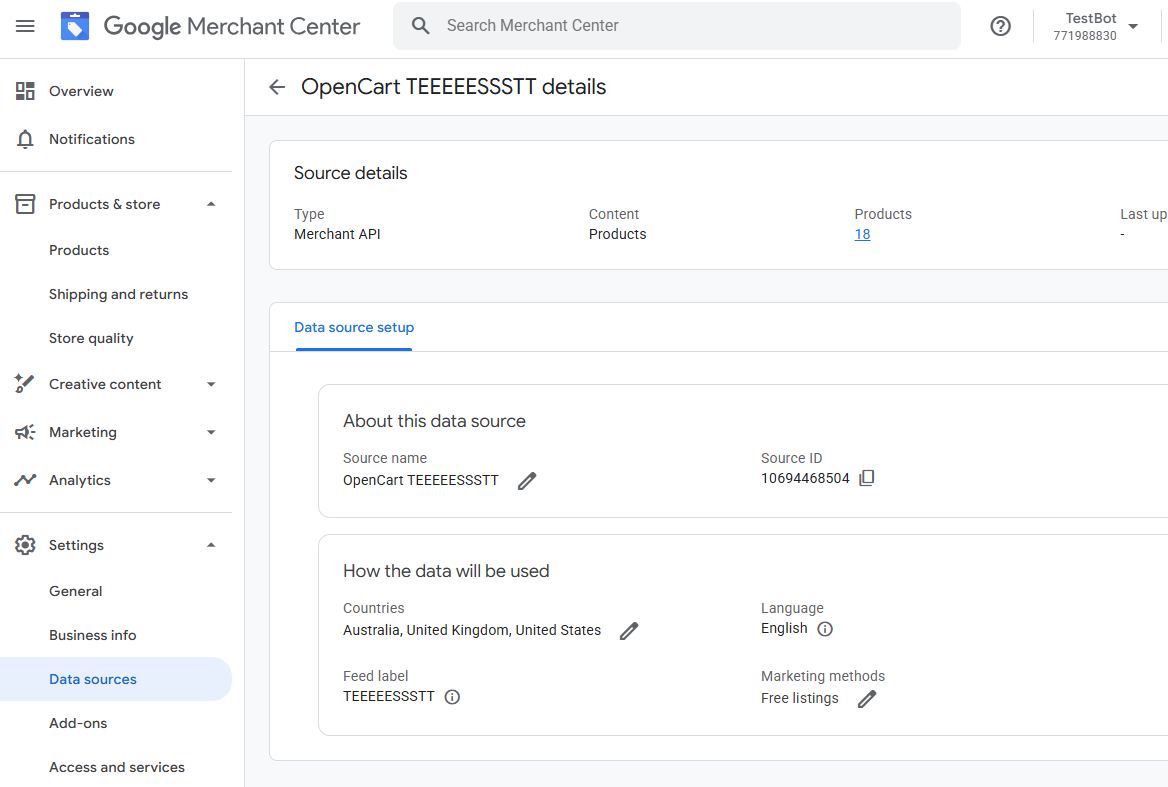
  11. Next, create a product data source in Merchant Center. This can be done either through the module (using the Create button in the Data Source ID block) or directly in Merchant Center. You can also select an existing data source right from the module. The goal is to have the data source ID entered in the corresponding field in the feed settings.
  12. Configure the remaining options at your own discretion.
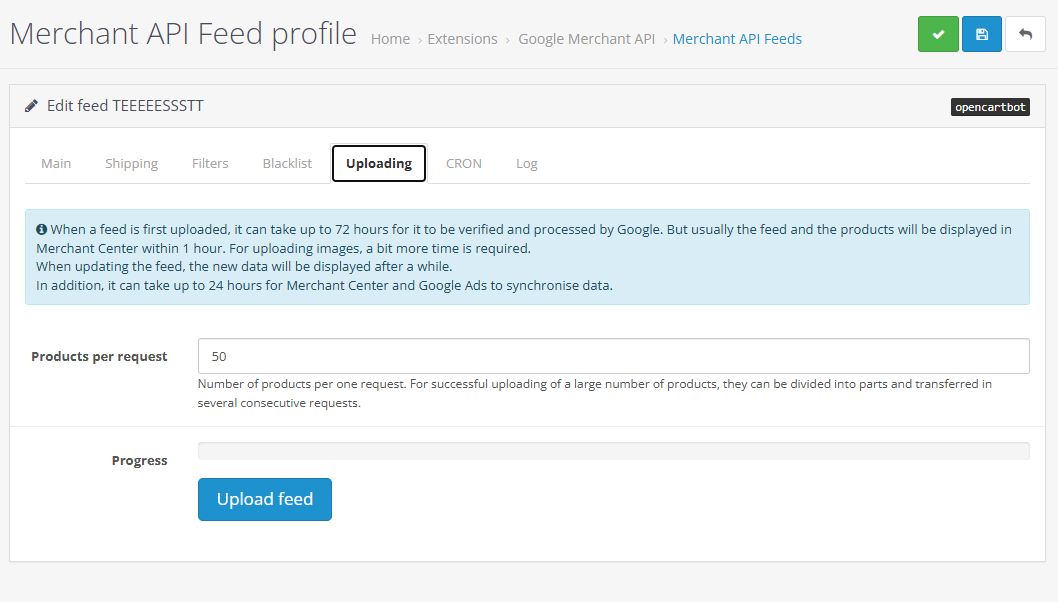
  13. Once the feed is saved, open it and, in the Uploading tab, click the product upload button.
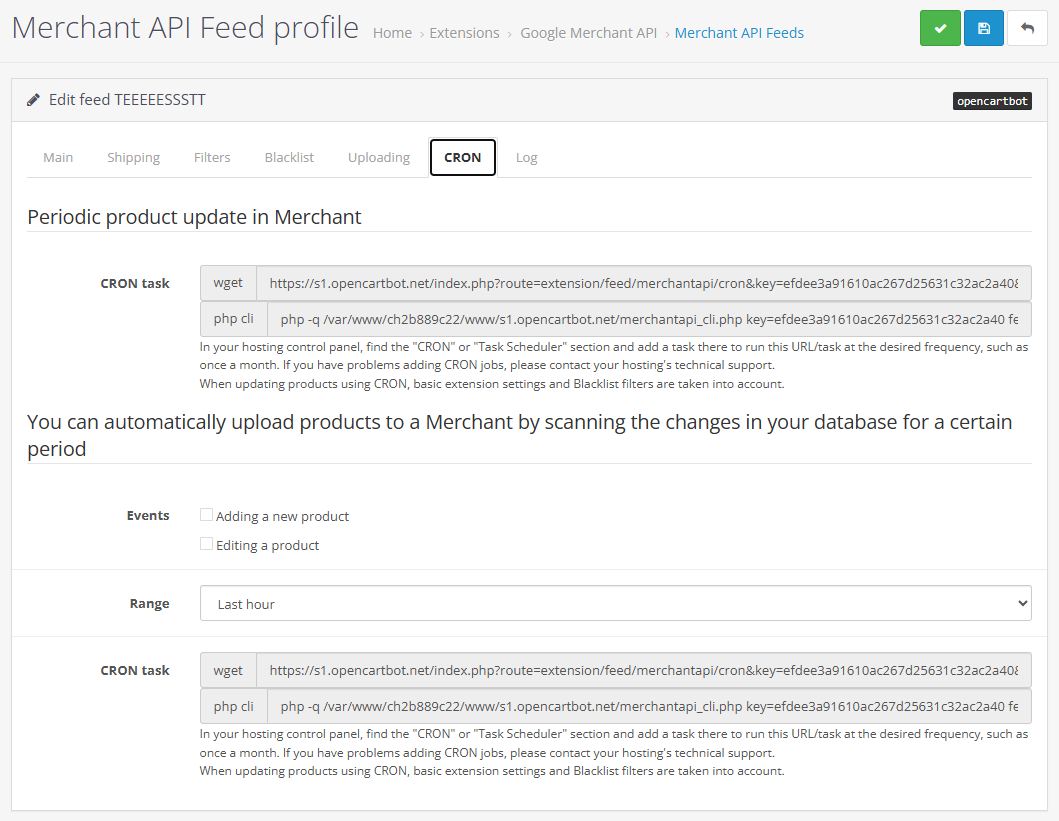
  14. If needed, add a task to the cron scheduler on your hosting for periodic automatic updates of products in Merchant Center.


You must be logged in to view the files!
Write a review
Facebook Google
Note: HTML is not translated!
   Bad      Good

There are no reviews for this product.

More OpenCart Extensions
Multilanguage sitemap OpenCart

$15.00

Buy Google Maps Extension

$15.00

DriveUp price and quantity updates

$19.00


Similar
XML feed for Google and Facebook

$20.00

SEO Graph json-ld data

$20.00

Google Maps Locations

$15.00

Google Sheets API

$19.00


Read Our Blog