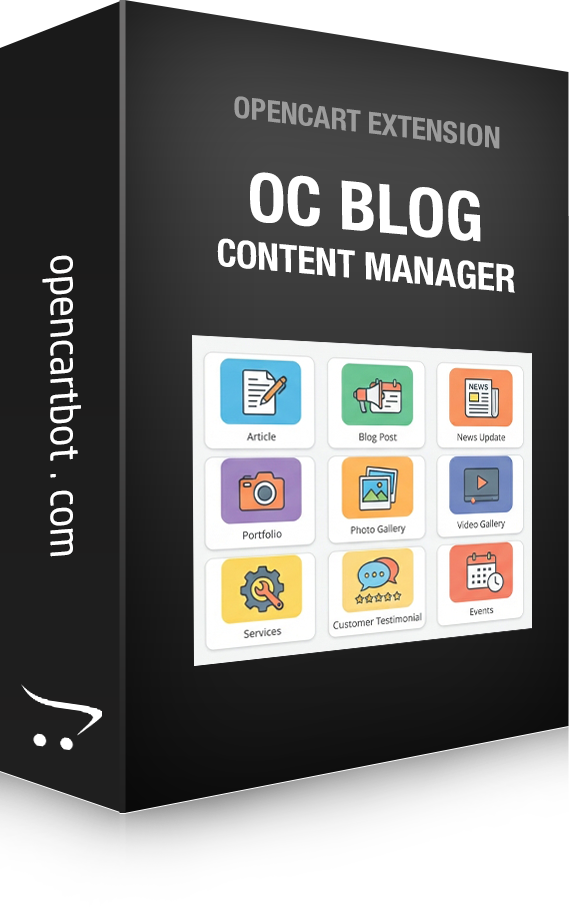
The OC Blog module is an all-in-one content toolkit that gives an OpenCart
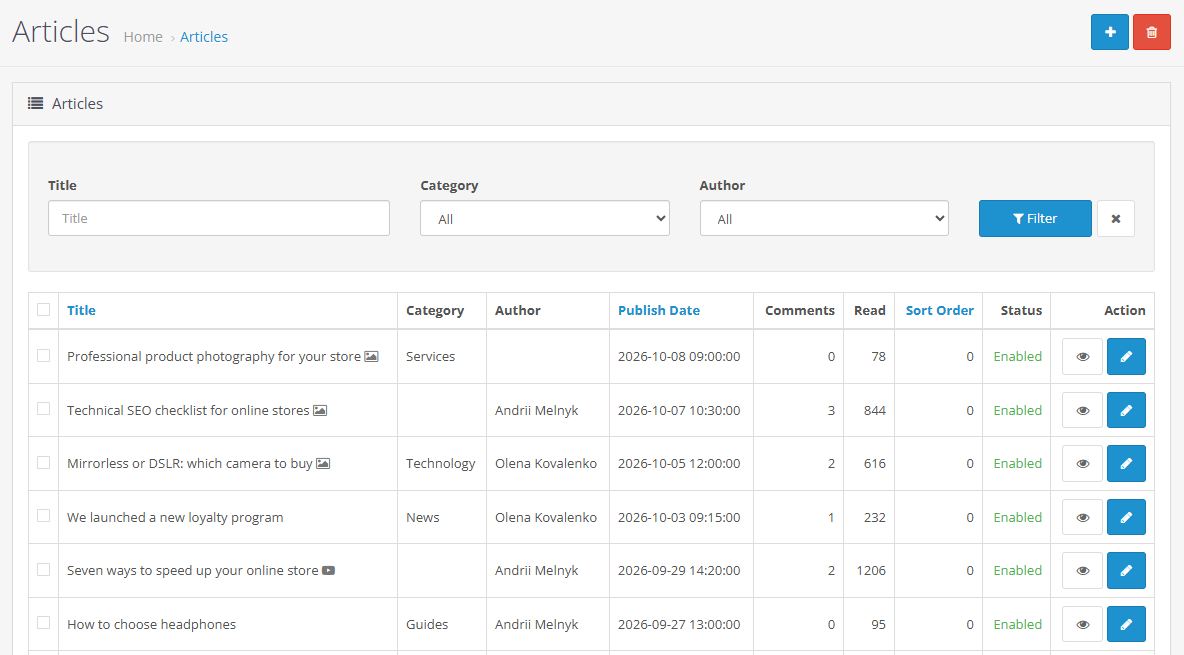
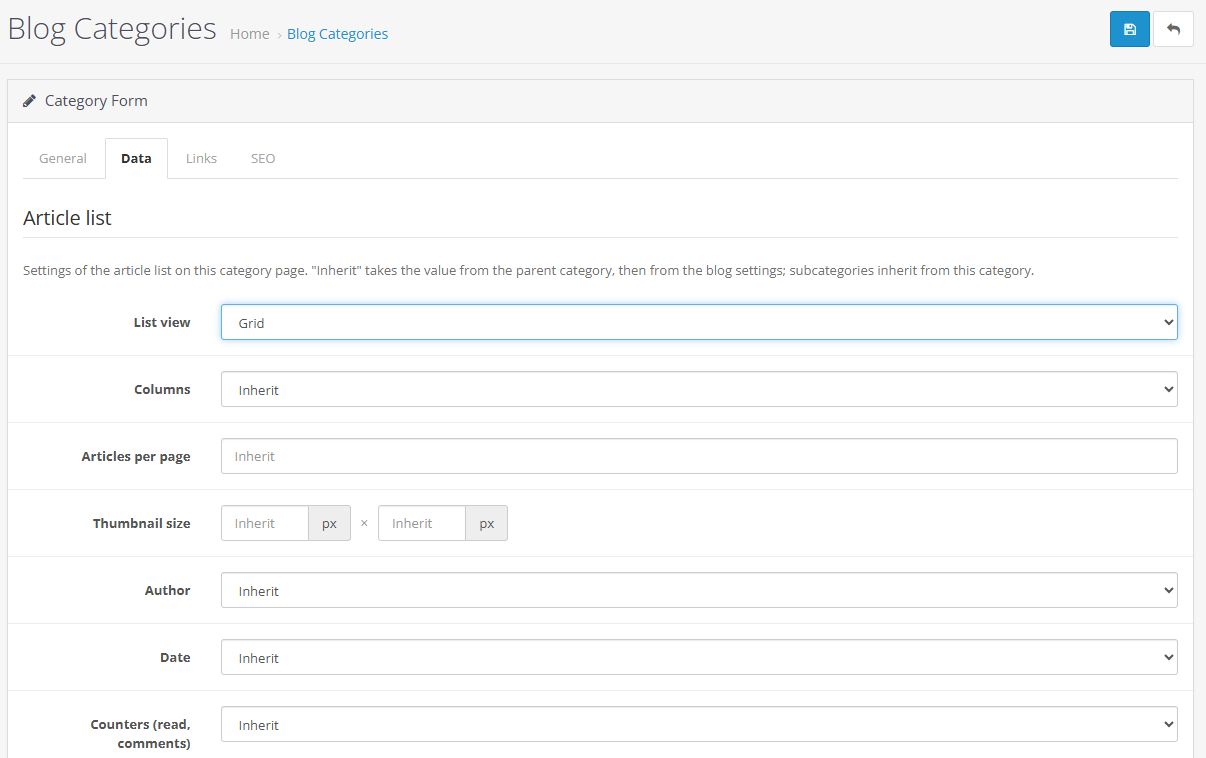
store WordPress-like capabilities: articles, categories with individual
settings, authors, comments, related products, SEO URLs, a sitemap and
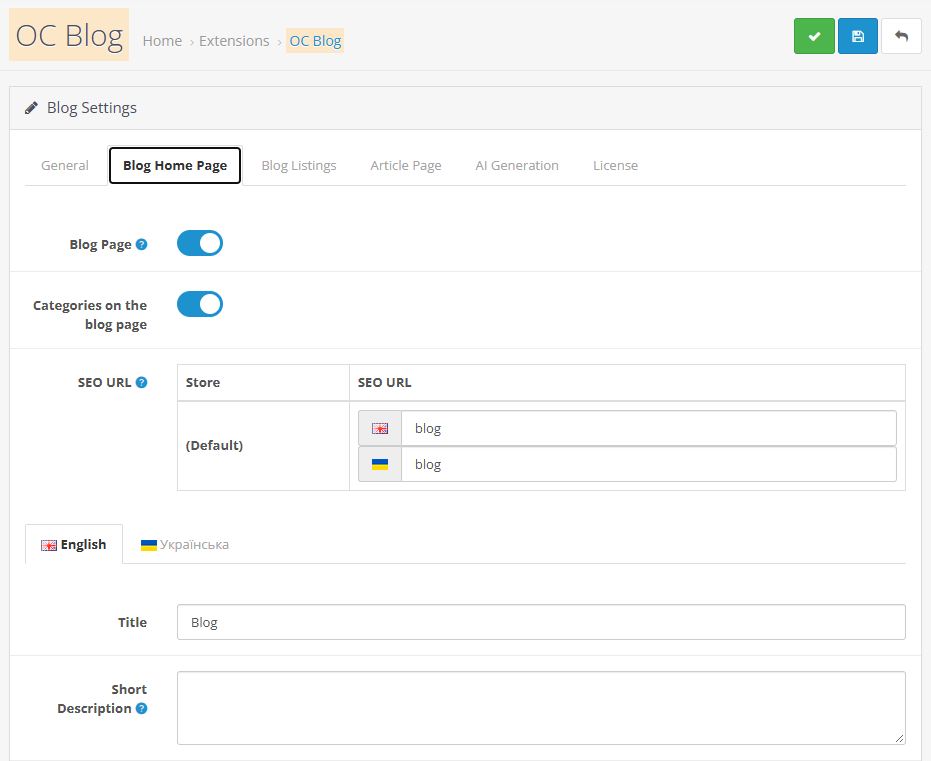
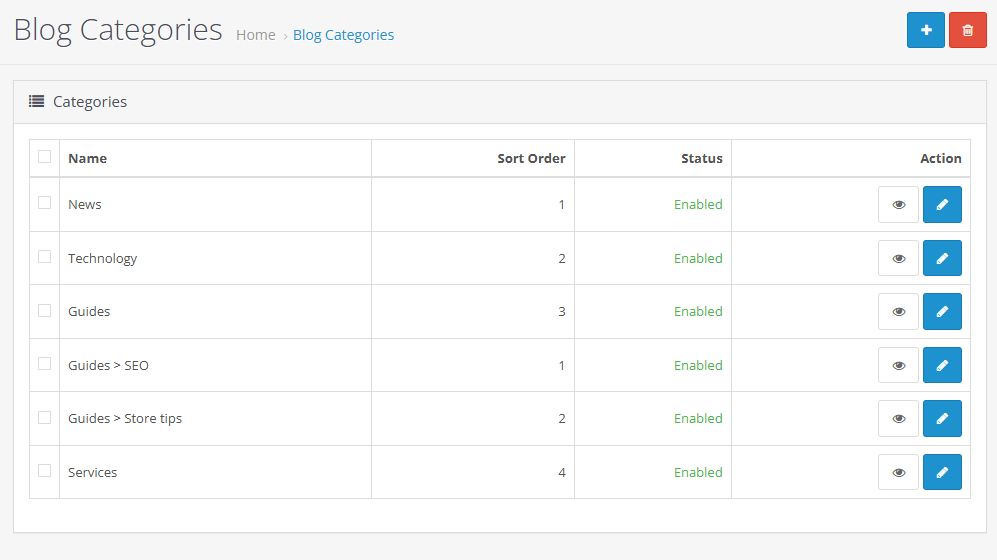
AI-generated text, all in a single module. The main blog page can be disabled. In that case, each category works as a separate section of the website. With one module you can create
several sections at once, such as a blog, news, portfolio, photo gallery,
video gallery, service catalog, or any other catalogs and pages.
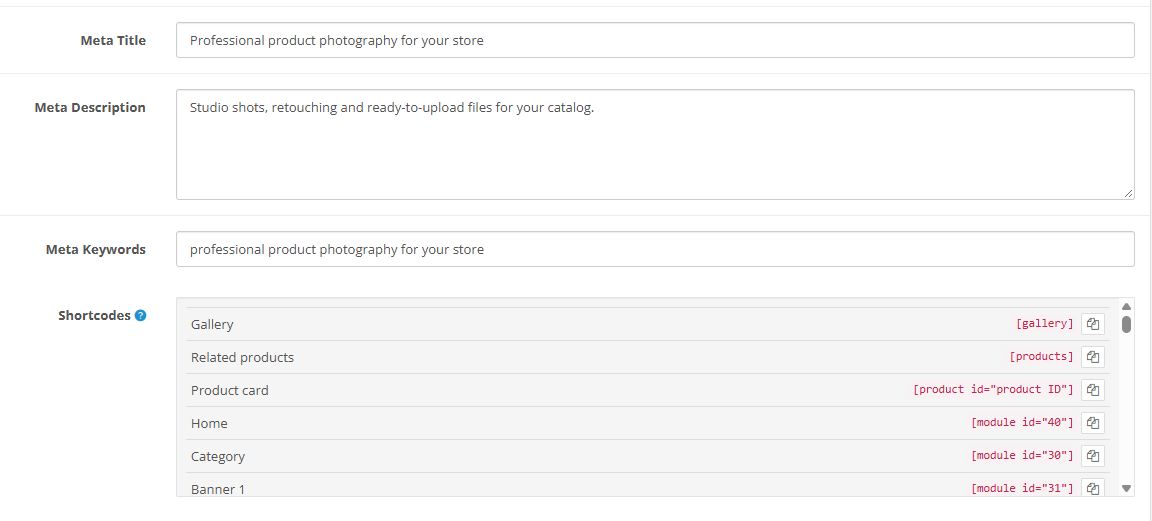
Shortcode support. Insert any modules and products directly into the
article text.
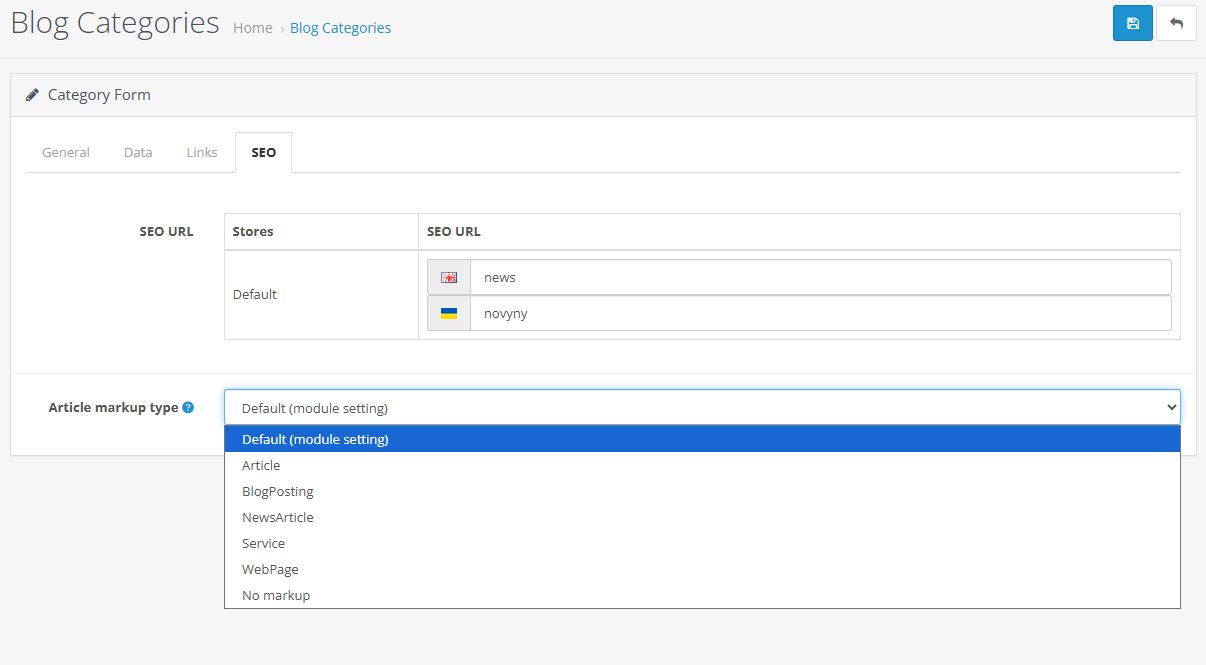
SEO optimization and a flexible URL structure.
AI article generation.
5 additional layout modules and a dedicated sitemap.
Enhanced Summernote visual editor.
Automatic table of contents for articles.
Automatic HTML formatting.
Automatic SEO URL generation.
Independent of the store theme and of Bootstrap and jQuery. Its own
stylesheet, accent color from the settings, dark theme support.
Multistore and multilingual support.
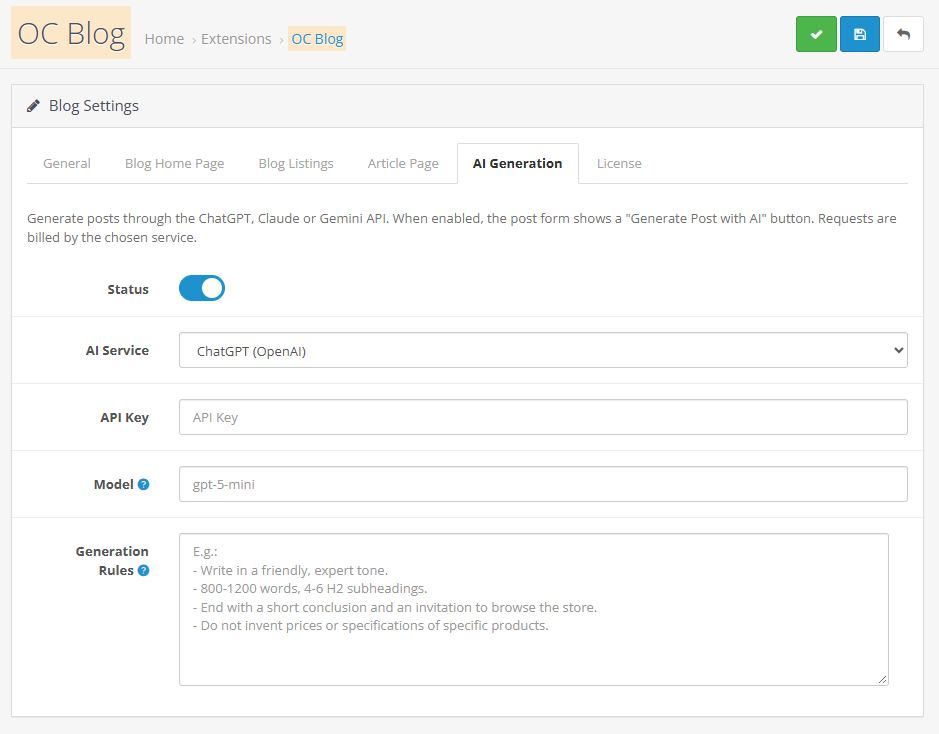
AI Article Generation
Create articles with ChatGPT, Claude or Gemini. You choose the AI
provider and model and enter your own API key.
Custom rules: tone, structure, banned words. They can be saved in the
settings.
Multilingual content generation.
Built with SEO in Mind
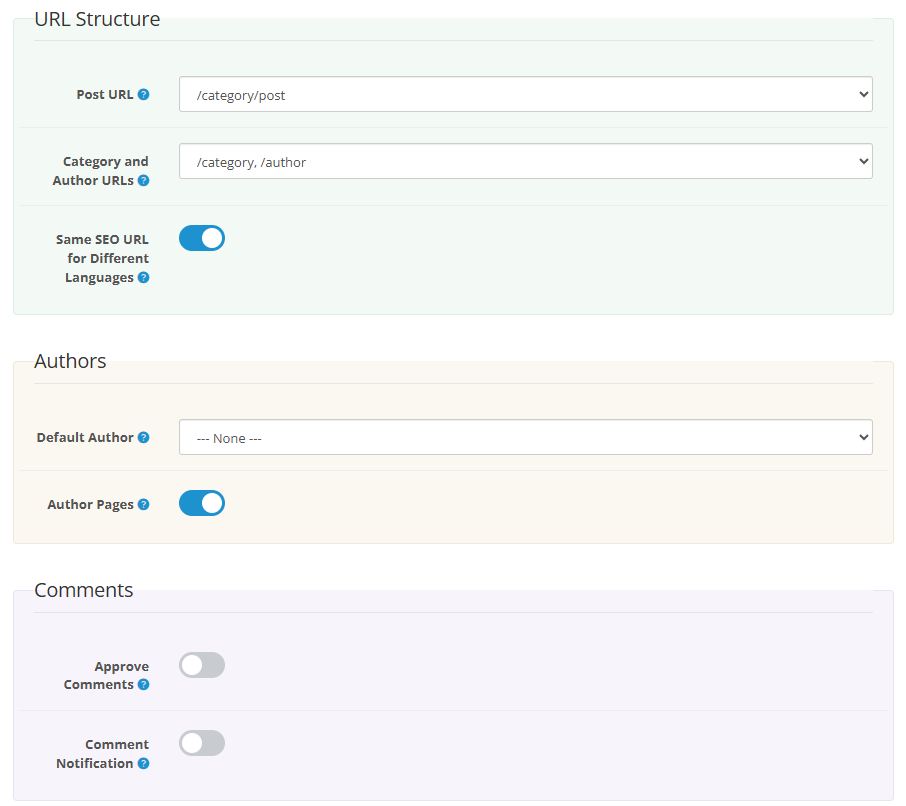
Separate SEO URLs for the blog home page, categories, articles and
authors, set individually for each language and store.
Flexible URL structure: article, blog/article, category/article,
blog/category/article. An optional shared prefix is available.
Meta Title, Meta Description and Meta Keywords for every page and
language. These fields are filled in automatically as you enter the
title and short description.
A /blog-sitemap.xml sitemap with all language versions and hreflang
tags.
Canonical URLs, breadcrumbs, SEO PRO compatibility.
Content and Editor
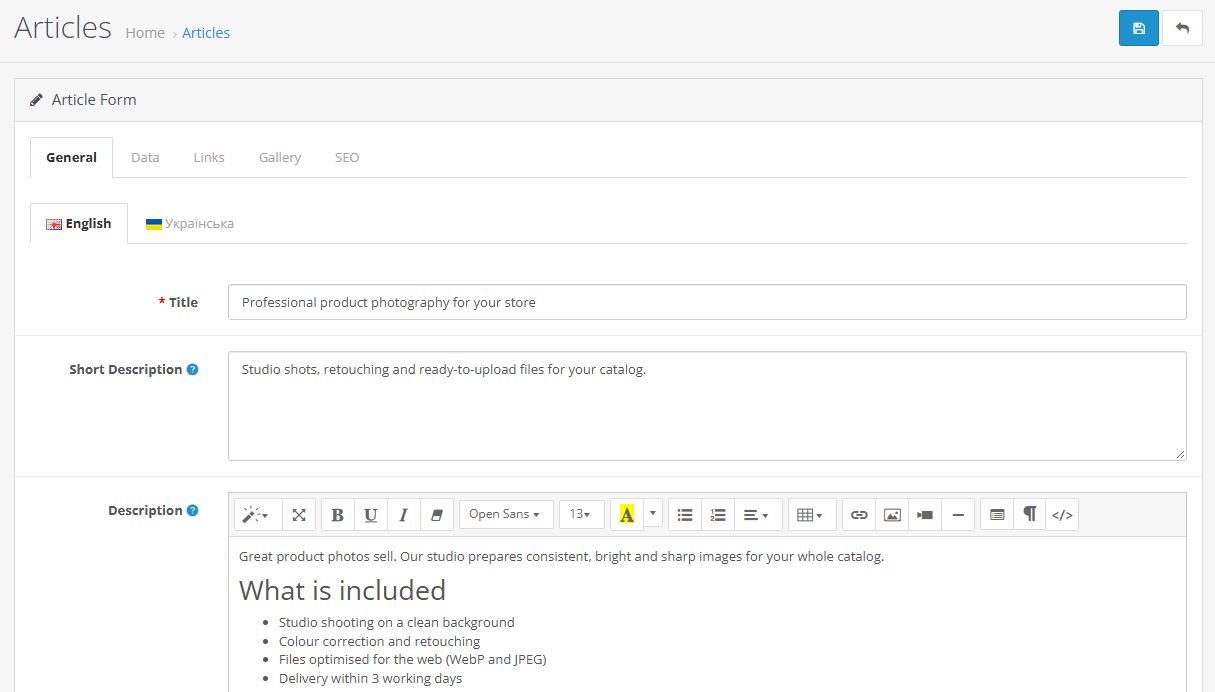
Extended Summernote editor: table of contents button, HTML formatting,
code view.
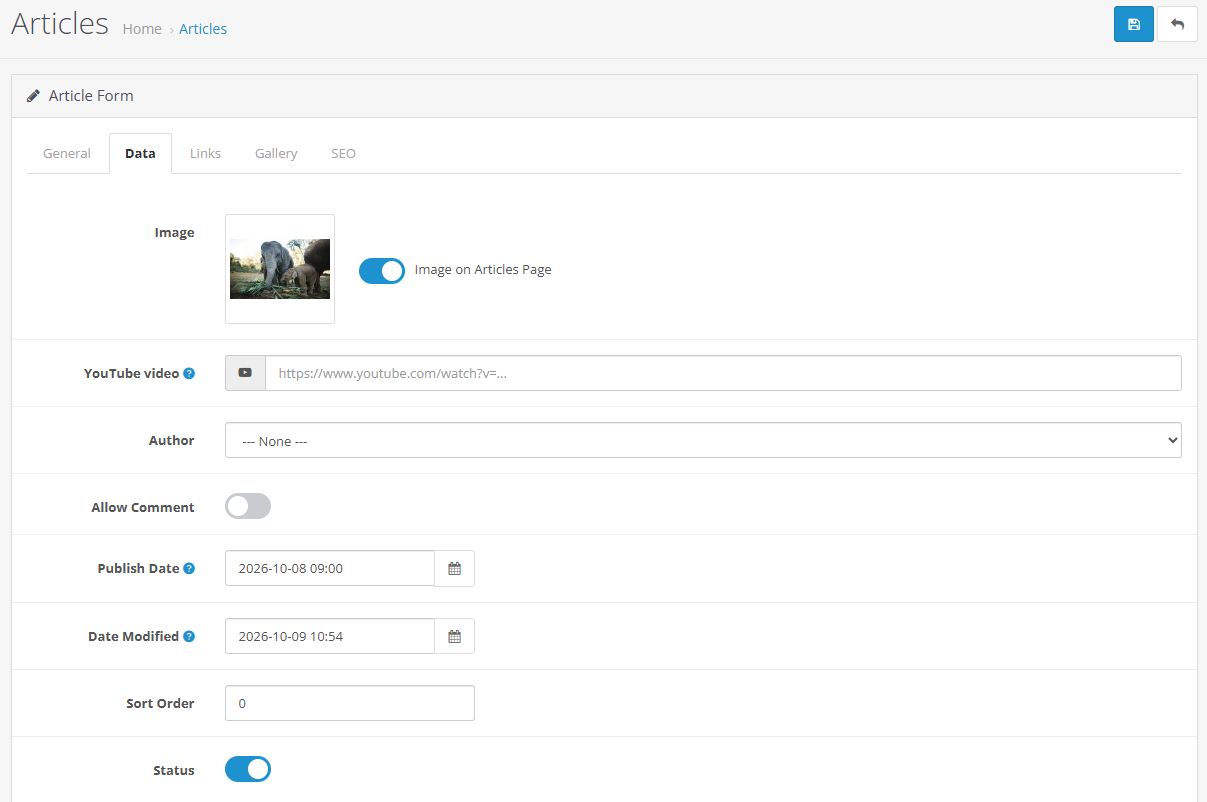
Image, video, short and full descriptions, publication date (a future
date hides the article until that moment), sort order.
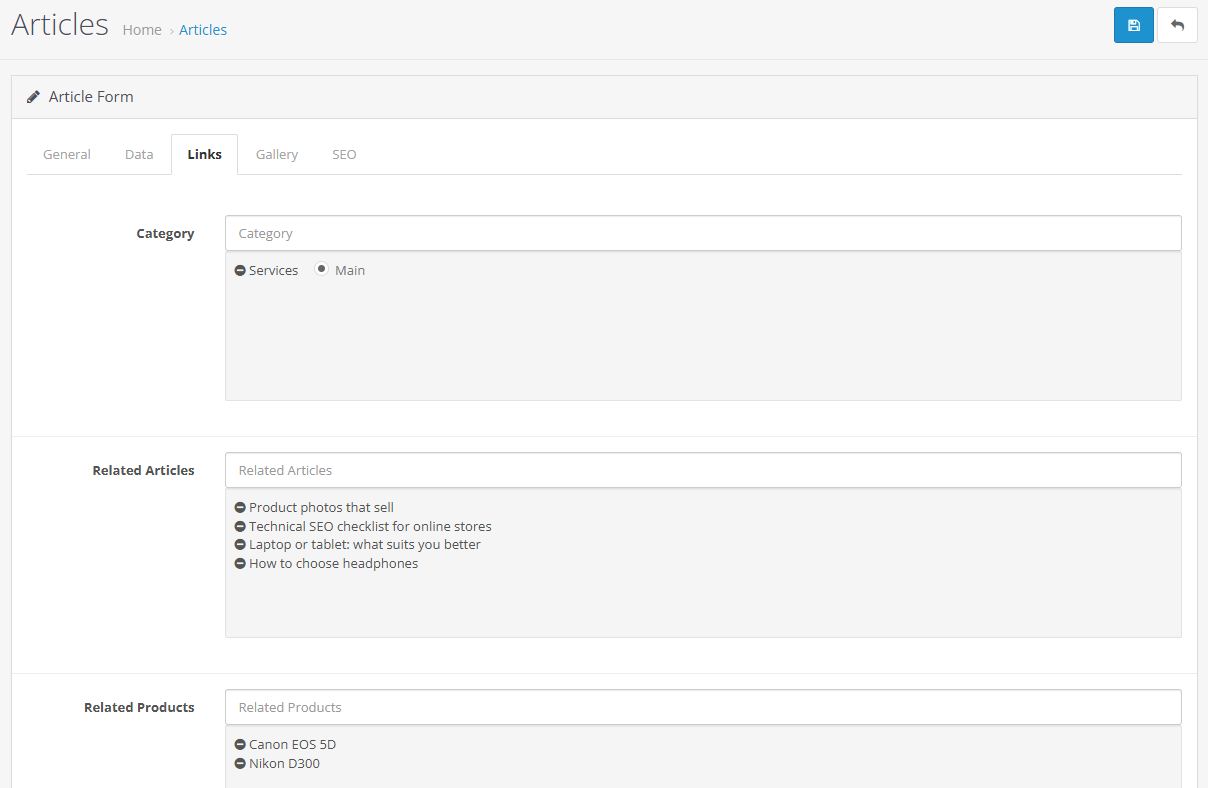
Multiple categories per article, related articles, and related products
shown as cards right in the text.
A custom layout for each category and article, assignment to multiple
stores.
Authors and Comments
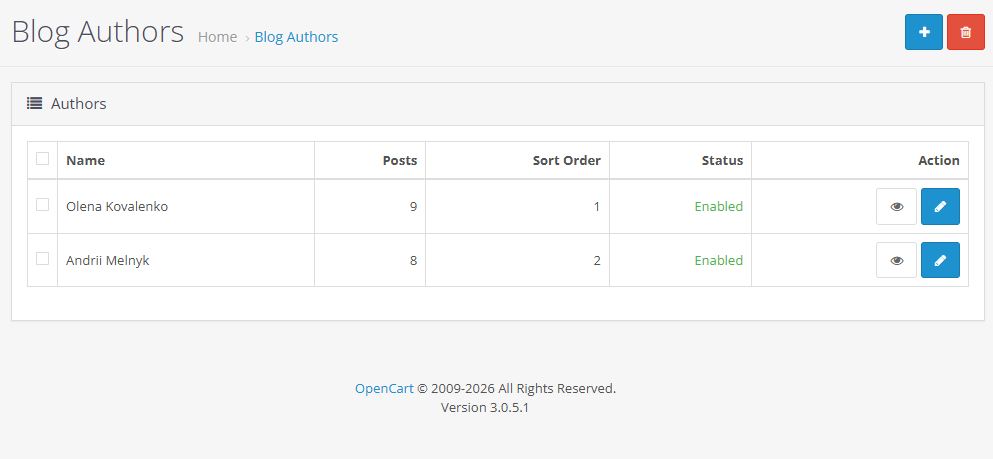
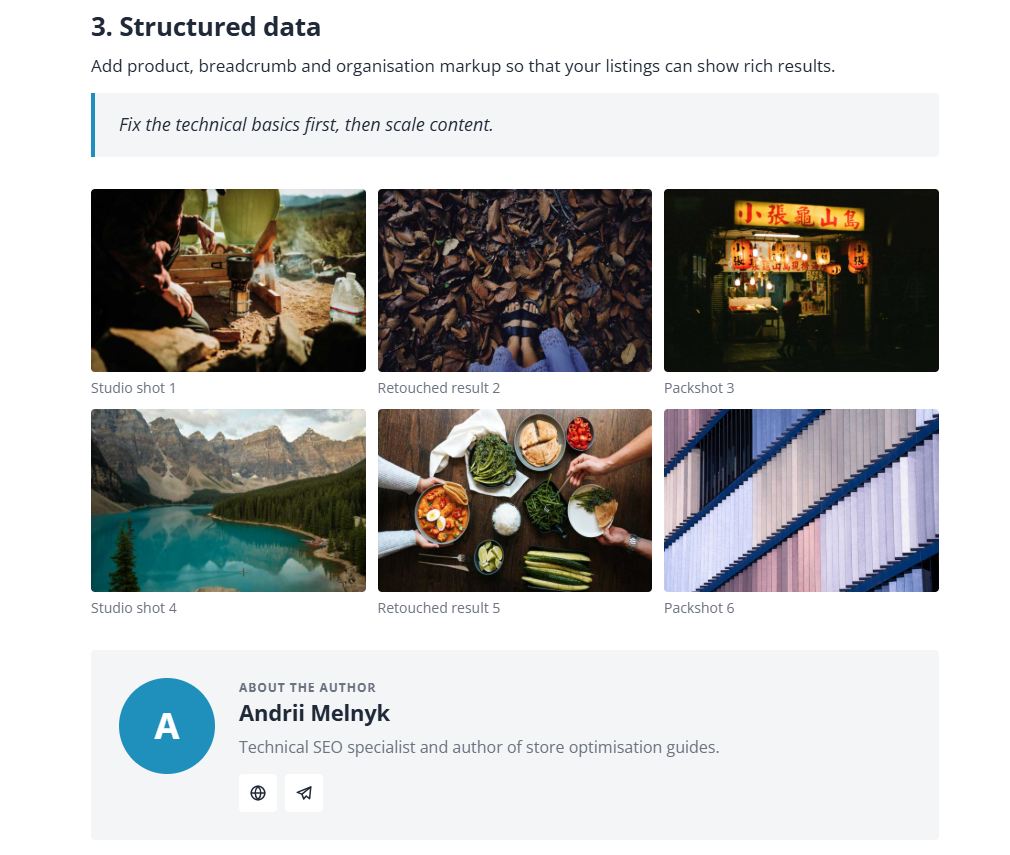
Author profiles: photo, bio, social links (Facebook, Instagram, X,
LinkedIn, YouTube, Telegram, website), an author card below the article
and a dedicated page listing the author's posts.
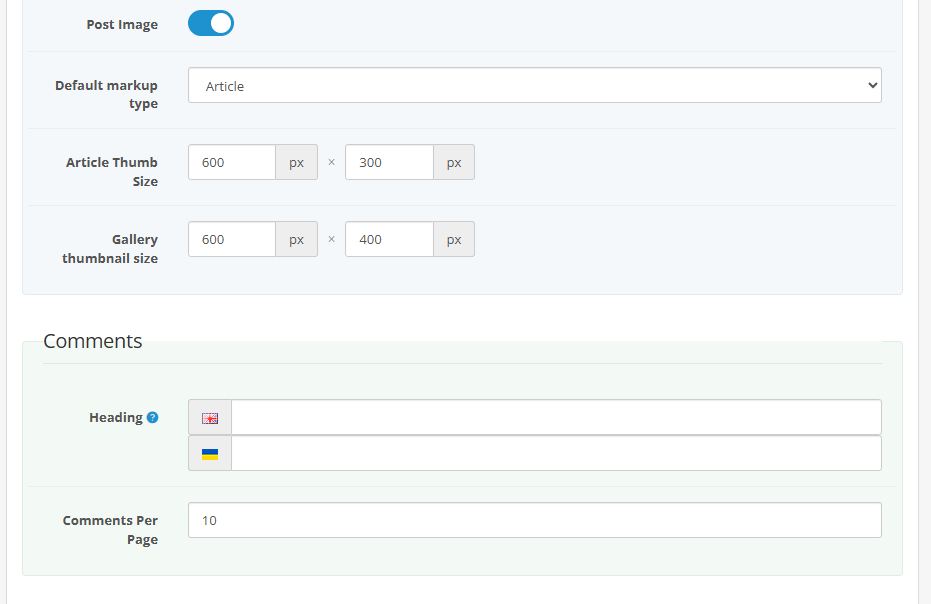
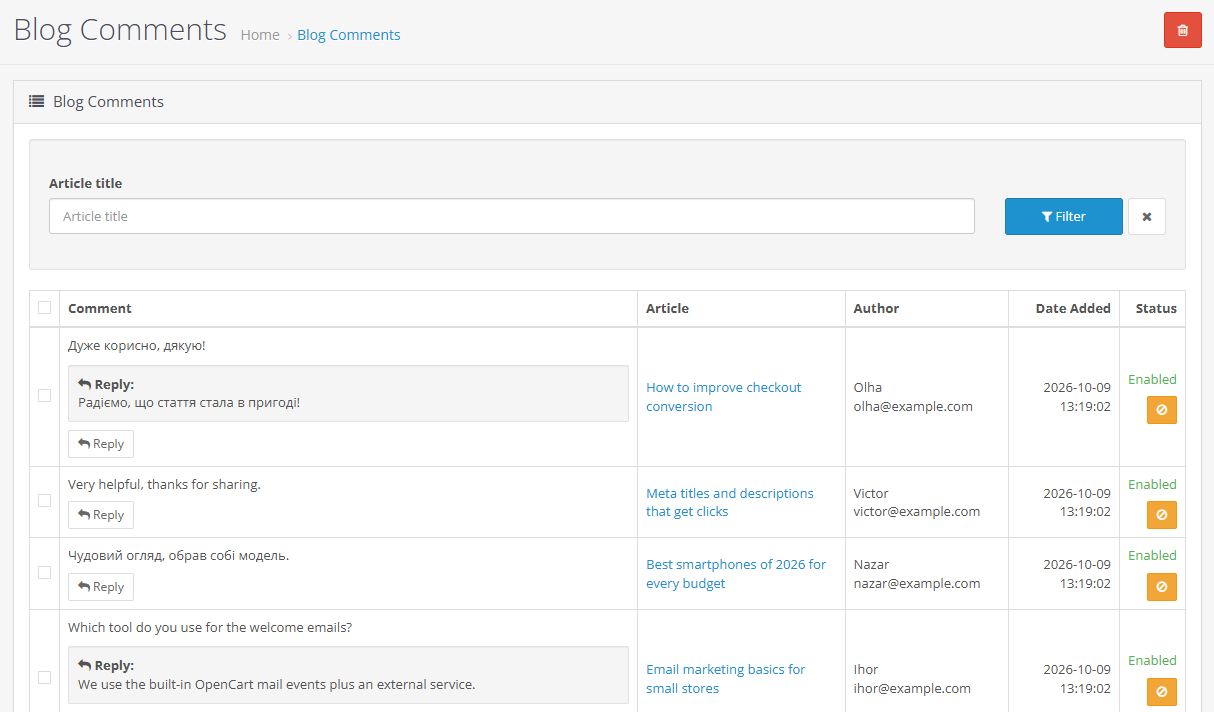
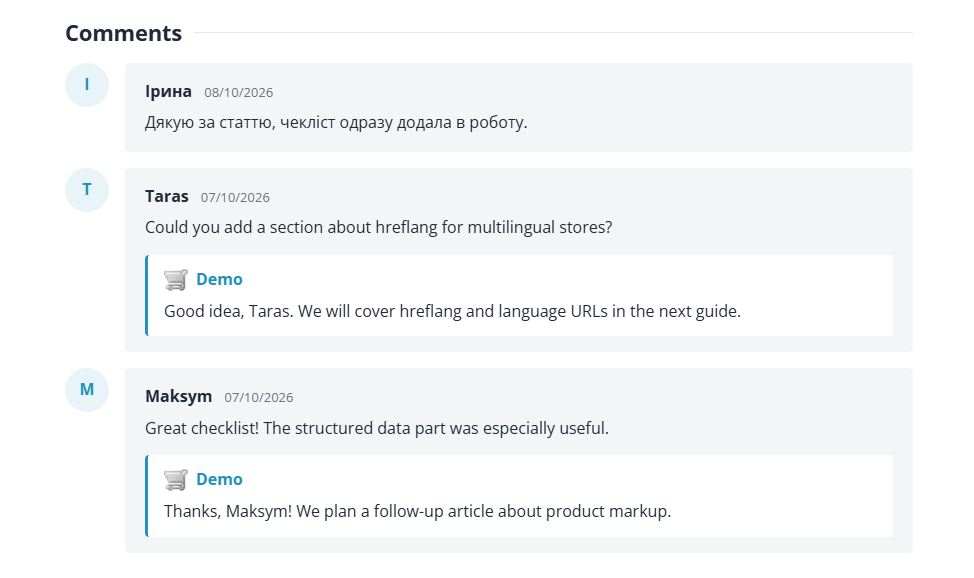
Comments with pre-moderation and email notifications to the owner,
AJAX submission, pagination, OpenCart CAPTCHA support.
Admin replies straight from the comment list, shown with the store logo
and name. One-click approval and rejection.
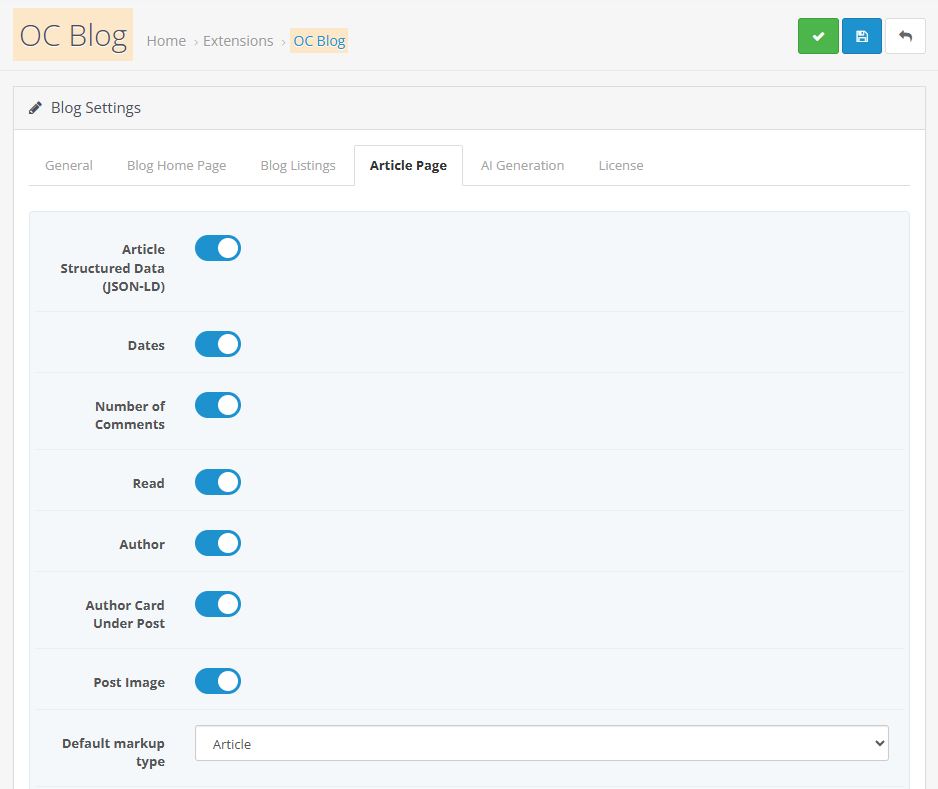
The "Read" counter tracks actual reads (scrolling to the end of the
article content).
Additional Layout Modules
Module
Purpose
Articles
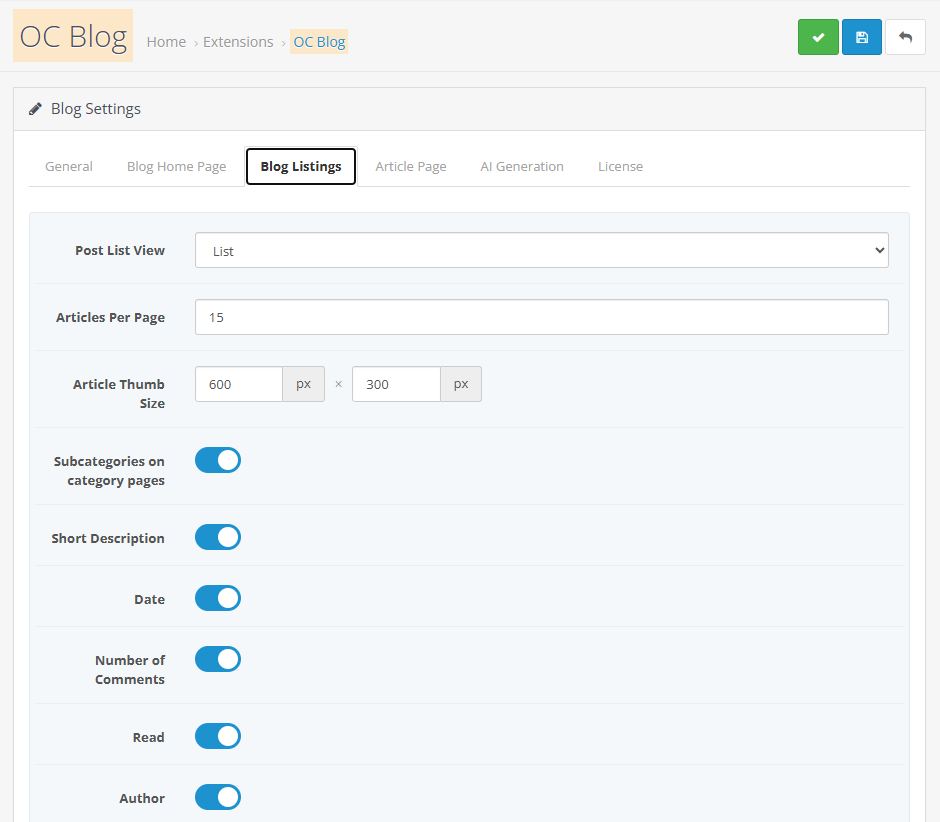
Latest, most popular, by sort order or random. List, grid or
carousel. Category filter, link to the full blog.
Featured
Hand-picked articles, same three display options.
Categories
Expandable tree or tiles.
Search
Blog search.
Sitemap
The module's own XML sitemap.
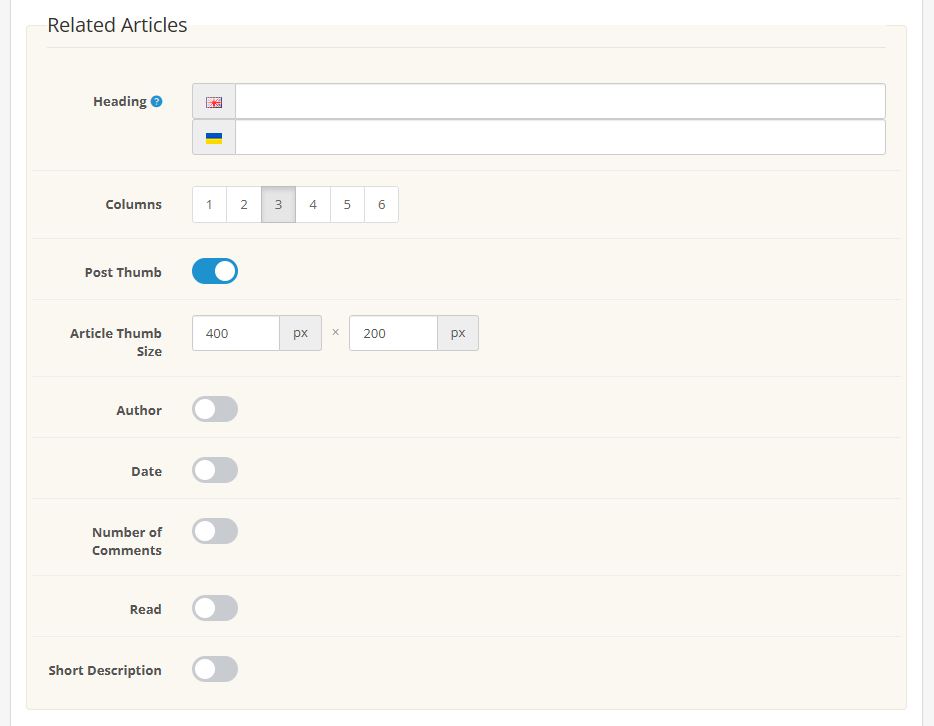
Each module can be placed multiple times with different settings. Author,
date, counter, comments and short description can be toggled for each one
individually, along with image sizes.
Extension installation instructions:
Upload the module in the admin panel in the "Extensions" : "Install".
Go to the "Modifications" section and update the cache.
Go to the "Dashboard" section and update the template cache.
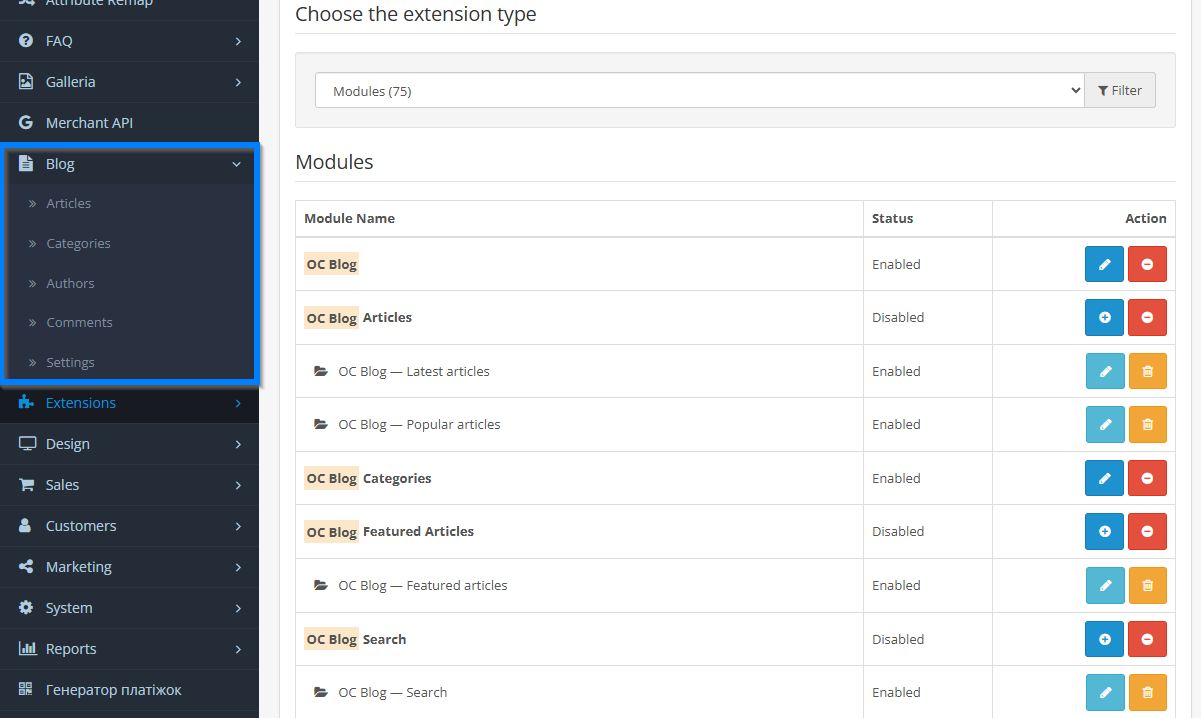
Go to the "Extensions" : "Extensions" : "Modules" and enable the OC Blog module.
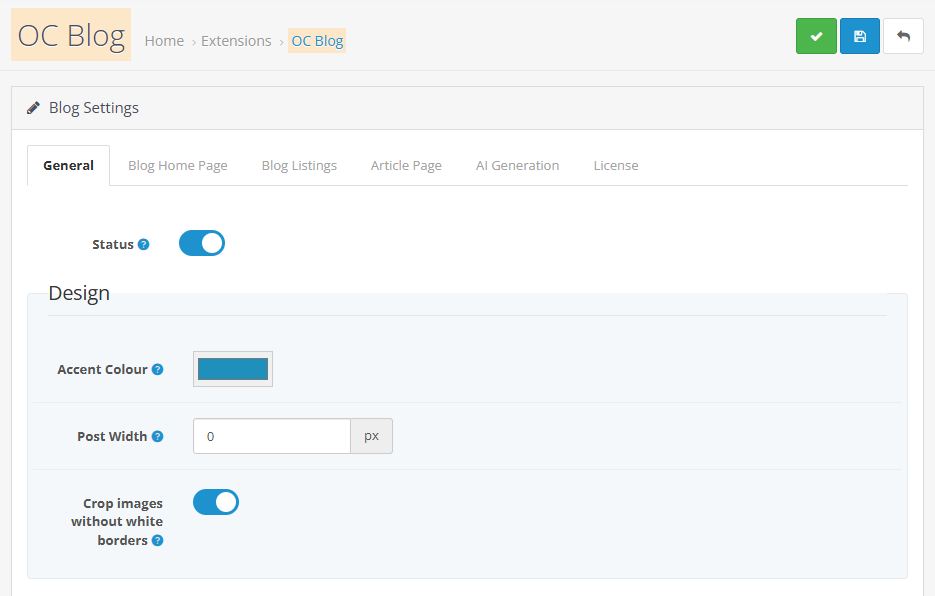
Edit module. Enable the status and adjust all its options to your needs and save the settings.
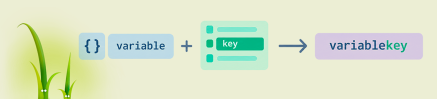
How to build a variable name or array key in Twig: attribute(context, 'var'~id), square brackets, the .() operator from Twig 3.15, interpolation, and OpenCart compatibility.
An analysis of OpenCart 4.2.x.x development plans: the switch to jQuery 4.0.0, changes to `oc_product_code`, a 15–20 MB reduction in the distribution size, and the module adaptation process.
Daniel Kerr has announced the static OpenCart 5 and the opencart.js project. We analyze the advantages and limitations of this concept, as well as the development of PHP branches 3.0, 4.1, and 4.2.
 OpenCart Development Partner