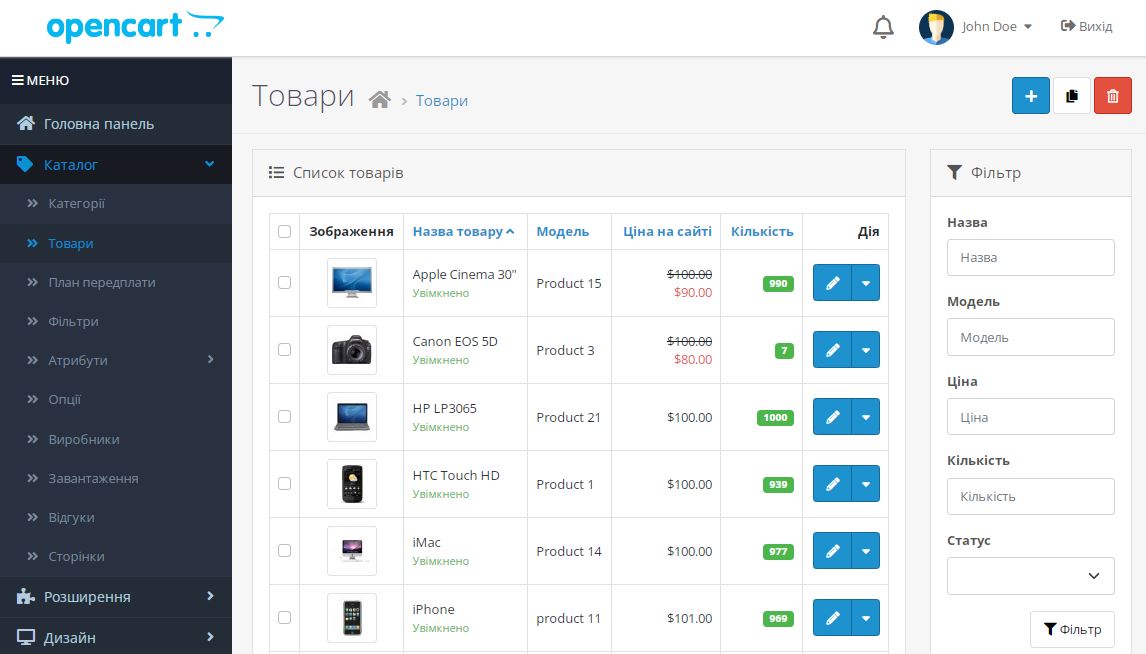
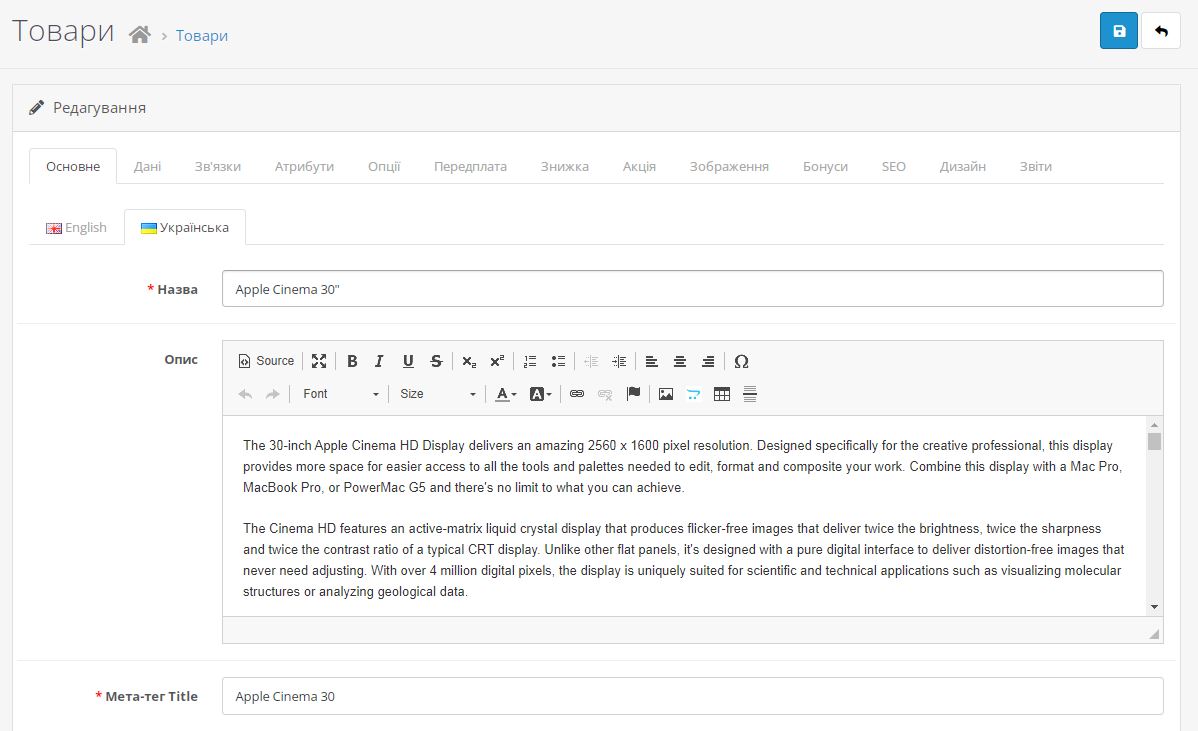
Ukrainian language for OpenCart 4.x.x.x - localization of the system and default modules for Ukraine.
DEMO AdminDEMO Live demo/demo
The first Ukrainian translation for OpenCart 4.0, so you can try its new features right now!
Distributive does not replace any files!
Copying, distribution and editing files is allowed only if the author's copyrights are saved.
The instructions below assume that you already have the official English OpenCart 4.x.x.x build installed by default.
Module installation instructions for OpenCart >= 4.0.2.2:
Upload the language package ukrainian.ocmod.zip to the "Extensions" : "Install" admin section.
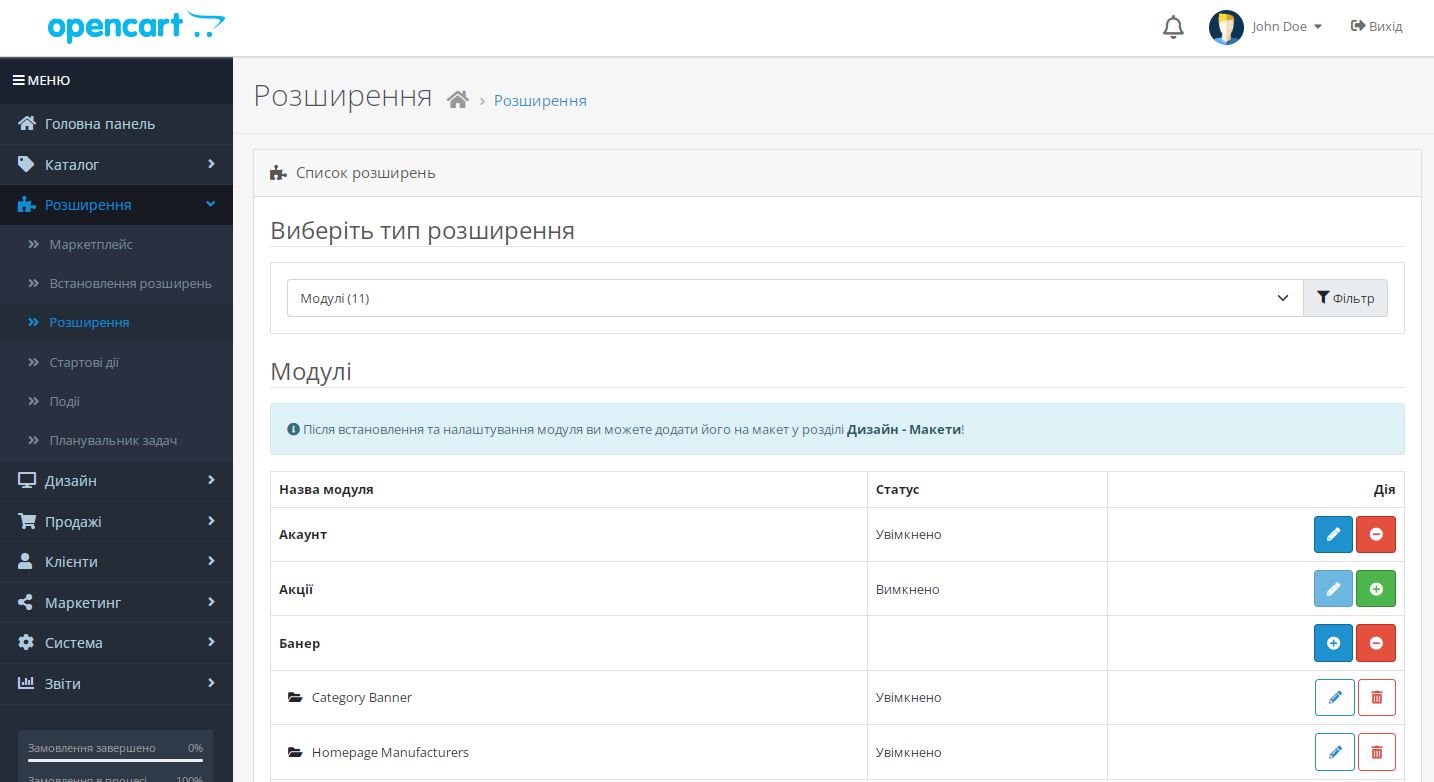
On the same page, click the "Install" button opposite the "Ukrainian language" module, which should have appeared in the list of installed modules from below.
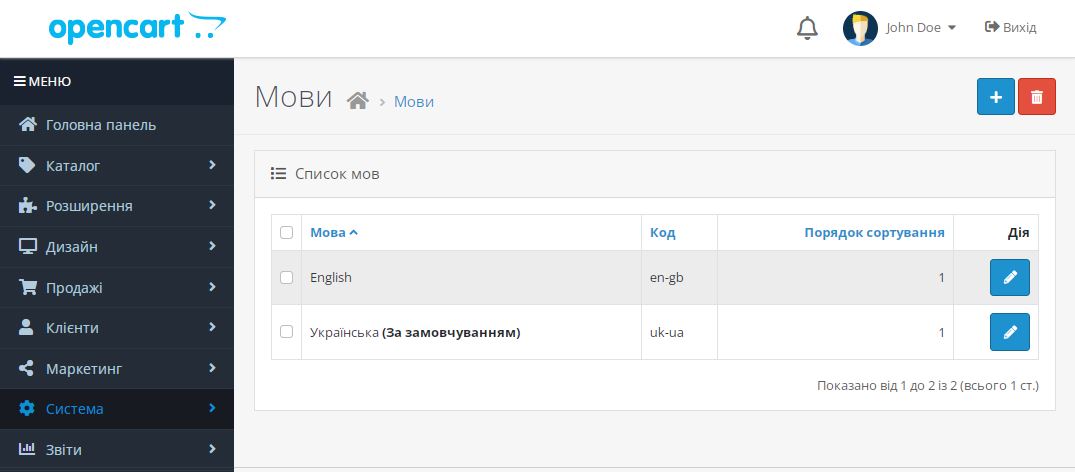
Go to the section "Extensions" : "Extensions" : select the type "Languages" and enable the "Ukrainian language" module, also edit it and enable its status and save.
To set the default Ukrainian language, go to System > Settings > Edit. In the Local tab, select "Ukrainian" in the fields: "Language" and "Administration Language".
If the language in the admin does not change, you need to read this article.
Bingo!
Changelog of Ukrainian Localisation for OpenCart 4.0
v1.0.9 (12 April 2025) - Compatibility with OpenCart 4.1.0.3
v1.0.8 (08 February 2025) - Translation corrections
v1.0.7 (17 January 2025) - Improved some translations
v1.0.6 (13 January 2025) - Compatibility with OpenCart 4.1.0.0
v1.0.5 (13 April 2024) - Update
Fixed translations of some phrases.
Added translation for the upcoming OpenCart 4.1.0.0 release
v1.0.4 (08 December 2023) - Updated localization: added missing translations, added translations of new features
v1.0.3 (21 April 2023) - OpenCart 4.0.2.1
v1.0.2 (05 February 2023) - Added missing translations
v1.0.1 (25 January 2023) - Translated feedback form in the product
v1.0.0 (23 January 2023) - Reworked into a Ukrainian localization module with automatic installation through the admin panel
You must be logged in to view the files!
xFaraday
13 August 2025
Warning: Please check the form carefully for errors! ось така помилка при спробі в налаштуваннях задати мову як дефолтну. Уже додадав зміни які пропонували шоб запрауювало, проте всерівно вискакує це, і не дає зберегтися. Можливо підскажете як вирішити. Версія OpenCart 4.1.0.3
opencartbot
13 August 2025
Вітаю.
Очевидно, помилка вказує на те, що не всі обов'язкові поля в налаштуванням є заповненими. Перевірте всі поля форми, поле з помилкою підсвічується червоним.
На вкладці General прогорніть до низу сторінки, там є блок "Meta Tags", перемкніть вкладку на "Українська" і перевірте чи заповнено поле "Meta Title".
Або на вкладці "Option", там багато полів, потрібно всі переглянути чи десь немає помилки.
Загалом проблема не у модулі локалізації, а в тому що OpenCart 4 не дуже добре інформує про помилки, їх треба шукати по всій формі налаштувань.
xFaraday
13 August 2025
Дійсно, дякую, недогледів) Буде, як підказка для інших цей коментар)
Oleksandr
03 November 2023
Завантажив модуль Української мови на OpenCart 4.02.3., інструкцію не читав, модуль автоматично інсталювався, активація з першого разу, все працює ідеально з коробки, жодних танців з бубном не потрібно. Рекомендую!
opencartbot
03 November 2023
Дякуємо, що знайшли час, щоб залишити позитивний відгук. Просимо повідомляти, якщо знайшли якісь неточності перекладу або пропущені фрази. Адже локалізація на версії OpenCart 4.0.2.3 в повній мірі не тестувалась, лише поверхнево.
Oleksandr
03 November 2023
Процес запуску був з першого запуску.
Були деякі пропущені значення та переклад, але це було простіше самому виправити...
Час виправлення менший ніж час повідомлення виправлення, але наступний раз зроблю скріншот "помилки".
Ще раз дякую за чудовий та без проблемний модуль Української мови.
Михайло Сагайдак
07 September 2023
дякую, все зробив згідно ваших інструкцій, версія 4.0.2.2, тепер на Українській)
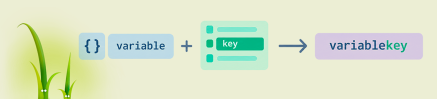
How to build a variable name or array key in Twig: attribute(context, 'var'~id), square brackets, the .() operator from Twig 3.15, interpolation, and OpenCart compatibility.
An analysis of OpenCart 4.2.x.x development plans: the switch to jQuery 4.0.0, changes to `oc_product_code`, a 15–20 MB reduction in the distribution size, and the module adaptation process.
Daniel Kerr has announced the static OpenCart 5 and the opencart.js project. We analyze the advantages and limitations of this concept, as well as the development of PHP branches 3.0, 4.1, and 4.2.